

You want one place to stream movies, TV shows, and live sports without juggling multiple apps. Amazon Prime Video gives you that option through Amazon’s streaming service, available on its own or included with an Amazon Prime membership. Prime Video is a streaming service that lets you watch movies, series, and live sports on demand, either with a Prime membership or as a standalone subscription.
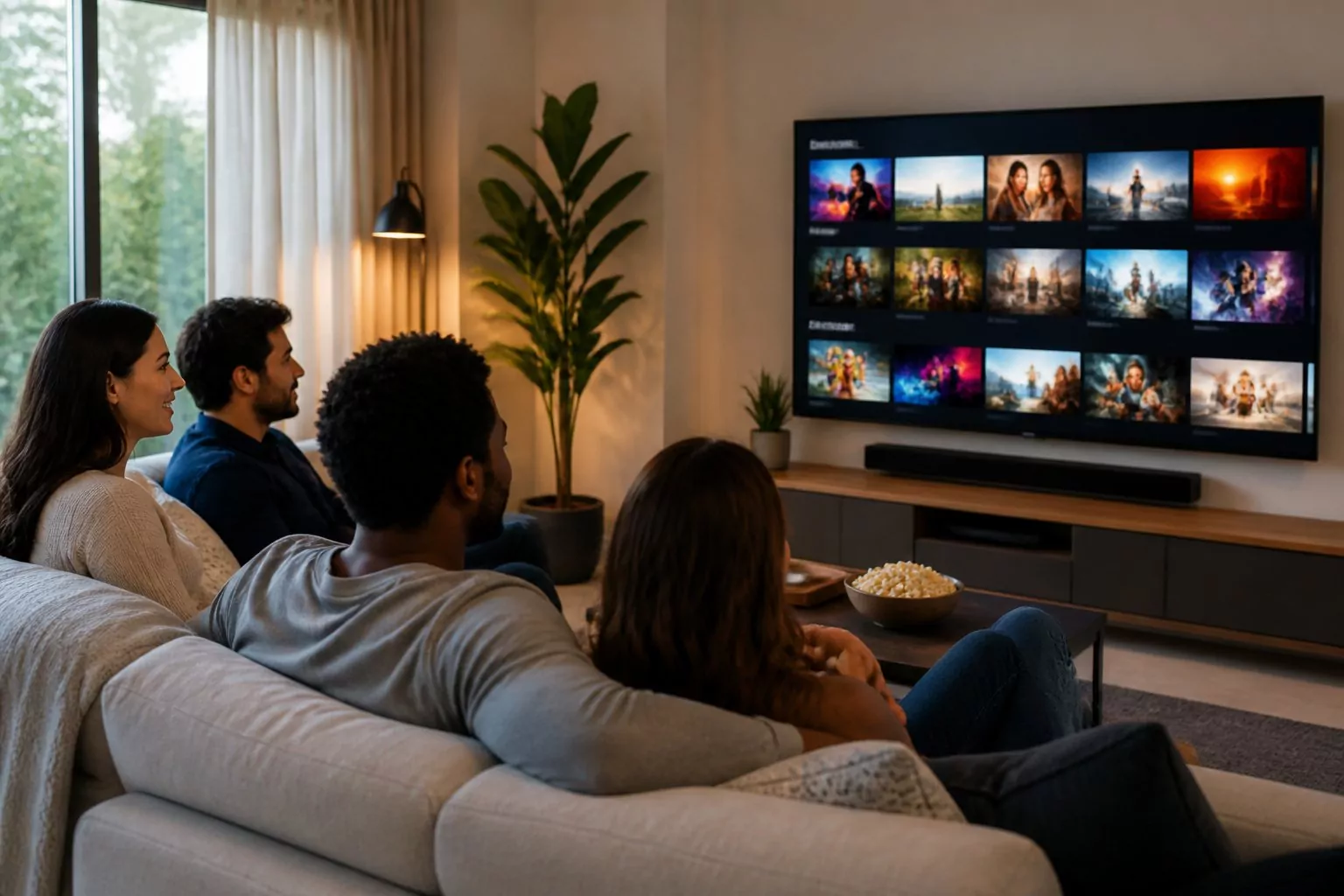
You can explore Amazon Originals, licensed shows, blockbuster films, and live events like major sports. You also have the option to rent or buy new releases and add premium channels without leaving the Prime Video app. That flexibility makes it easy to shape the service around what you actually watch.
You can stream on smart TVs, phones, tablets, game consoles, and web browsers. Pricing varies by country, and you can choose monthly or yearly plans in many regions. With wide device support and a large content library, Prime Video aims to keep your streaming simple and in one place.
Key Takeaways
- You get on-demand movies, shows, and live sports through Prime Video with flexible subscription options.
- You can customize your plan with rentals, purchases, and add-on channels inside one app.
- You can stream across many devices with plans that vary by country and billing cycle.
Content Library and Originals
You get a mix of big-budget originals, licensed movies and series, and exclusive live sports. Amazon builds its catalog through Amazon MGM Studios, outside studio deals, and long-term sports rights.
Amazon Originals and Exclusive Series
Prime Video invests heavily in Amazon Originals that you cannot watch on other platforms. These shows often feature known books, comics, or game franchises.
Major titles include The Lord of the Rings: The Rings of Power, a large-scale fantasy series based on Tolkien’s work. You can also stream The Boys, a dark superhero drama, and Reacher, based on Lee Child’s novels. Game adaptations like Fallout expand the service’s genre lineup.
Award-winning series such as The Marvelous Mrs. Maisel helped define the platform’s early identity.
Amazon develops many of these projects through Amazon MGM Studios, which combines Amazon Studios with MGM’s film and TV library. MGM adds established brands and supports new spin‑offs and reboots based on its catalog.
Check out our Amazon Product Launch & Ranking service here
Popular Movies and TV Shows
You can stream a wide range of movies and TV shows, from recent releases to older favorites. The catalog includes licensed content from major studios along with films from the MGM library.
MGM brings thousands of titles, including classic films and long-running series. This library supports sequels, remakes, and franchise extensions tied to known properties.
Prime Video also lets you:
- Rent or buy new movie releases
- Add premium channels through Prime Video Channels
- Watch a mix of scripted dramas, comedies, documentaries, and reality series
The selection changes as licensing deals start and end. In most regions, you see a blend of U.S. hits and local-language content.
Live Sports and Events
Prime Video stands out with exclusive live sports. In the United States, you can watch Thursday Night Football, part of the NFL’s regular season schedule.
Live sports play a key role in keeping subscribers active during the season. Games stream in real time, and you can pause or replay key moments.
Amazon has also secured other major sports rights in select markets, expanding beyond football. These deals position Prime Video as both an on-demand service and a live event platform.
In addition to sports, Amazon experiments with live concerts and special events. This strategy gives you access to programming that airs at a set time, not just on-demand content.
Optimize My Amazon Listings Now
Subscription Options and Pricing
You can access Prime Video in several ways, depending on how you want to pay and what features you need. Your choice affects ads, video quality, downloads, and extra channel options.
Prime Membership Benefits
An Amazon Prime membership includes the Prime Video benefit at no extra cost beyond your Prime fee. Prime costs $14.99 per month or $139 per year in the U.S.
With a Prime membership, you get:
- Thousands of movies and TV shows
- Amazon Originals and licensed content
- Live sports such as NFL and NBA games
- HD, HDR10, HDR10+, and Dolby Vision support
- Up to 4 concurrent streams
- Up to 50 downloads for offline viewing
You still see limited ads on most content unless you upgrade. However, you keep full access to the same catalog as other Prime Video subscribers.
Your Prime Video watch history connects to your Amazon account. You can manage it through your account settings to improve recommendations or remove titles.
Prime membership also includes shipping benefits and other Amazon perks, which adds value if you shop often.
Prime Video Standalone Subscription
You can subscribe to Prime Video on its own without a full Prime membership. This option gives you streaming access but does not include shipping or shopping benefits.
The standalone Prime Video subscription includes:
- The same core library of movies and shows
- Amazon Originals
- Live sports events
- HD and HDR formats
- Multiple streams and downloads
Like the Prime membership version, this plan includes ads unless you upgrade. Pricing may vary slightly by region, but it stays close to the cost of Prime’s video portion.
This option works well if you only want streaming and do not need full Amazon Prime membership benefits.
Prime Video Ultra and Premium Upgrades
If you want an ad-free experience and better features, you can upgrade to Prime Video Ultra.
Prime Video Ultra costs $4.99 per month in the U.S. You must have either a Prime membership or a Prime Video subscription first.
Ultra includes:
- Ad-free streaming (some live events may still show ads)
- Up to 5 concurrent streams
- Up to 100 downloads
- 4K/UHD streaming
- Dolby Atmos audio
You can also choose an annual Ultra plan for $45.99 per year, which lowers the monthly cost.
This upgrade improves picture, sound, and flexibility for larger households or frequent offline viewing.
Prime Video Channels and Add-Ons
You can expand your subscription with Prime Video Channels. These are paid add-ons that stream inside the Prime Video app.
Popular examples include:
- Starz
- Showtime
- AMC+
- Paramount+
- Other regional and niche services
Each channel sets its own monthly price. You manage billing through your Amazon account, and you can cancel at any time.
Channels appear in your Prime Video library, and you watch them the same way as other titles. This setup keeps your subscriptions in one place instead of using separate apps.
If you want specific networks like Starz without a cable plan, Channels give you a simple way to add them.
Streaming Quality and Technology
Prime Video supports multiple video resolutions, advanced audio formats, and flexible download options. You can adjust quality settings to match your device, screen, and internet speed.
HD, UHD, and 4K Streaming
You can stream Prime Video in HD (720p and 1080p), UHD streaming, and 4K on supported devices. Many Amazon Originals and select movies show the Prime Video Ultra HD label, which signals 4K playback with compatible hardware.
To watch in 4K, you need:
- A 4K TV or monitor
- A compatible streaming device or smart TV
- A stable high-speed internet connection
Prime Video uses adaptive bitrate streaming. This system adjusts video quality in real time based on your connection. If your speed drops, the service lowers resolution to prevent buffering.
You can also change quality settings in the app. Options typically include Best, Better, and Good, which affect resolution and data use. Data Saver settings may limit quality even if your device supports HD or UHD.
Audio Enhancements: Dolby Atmos and More
Prime Video supports several audio formats, including Dolby Digital 5.1 and Dolby Atmos on select titles. Dolby Atmos adds height and spatial effects, which create more precise sound placement when you use a compatible sound system.
To use Dolby Atmos, you need:
- A supported title
- A compatible streaming device
- An Atmos-capable soundbar or home theater system
Not every movie or show includes advanced audio. You can check the title details page for audio format labels before you start streaming.
Prime Video also monitors audio quality using automated systems. These systems help detect issues like distortion, clicks, or sync problems between audio and video. This helps maintain consistent playback across devices.
Check out our Amazon A+ Content Agency here
Offline Viewing and Downloads
Prime Video allows offline viewing on supported mobile devices. You can download movies and TV episodes through the Prime Video app on smartphones and tablets.
Download quality options usually include:
- Best (higher resolution, larger file size)
- Better
- Good (lower resolution, smaller file size)
Higher quality downloads use more storage space. You can manage downloads inside the app and delete them to free space.
Some titles have download limits or expiration periods. You must reconnect to the internet at times to keep downloaded content active.
Device Compatibility and Platform Access
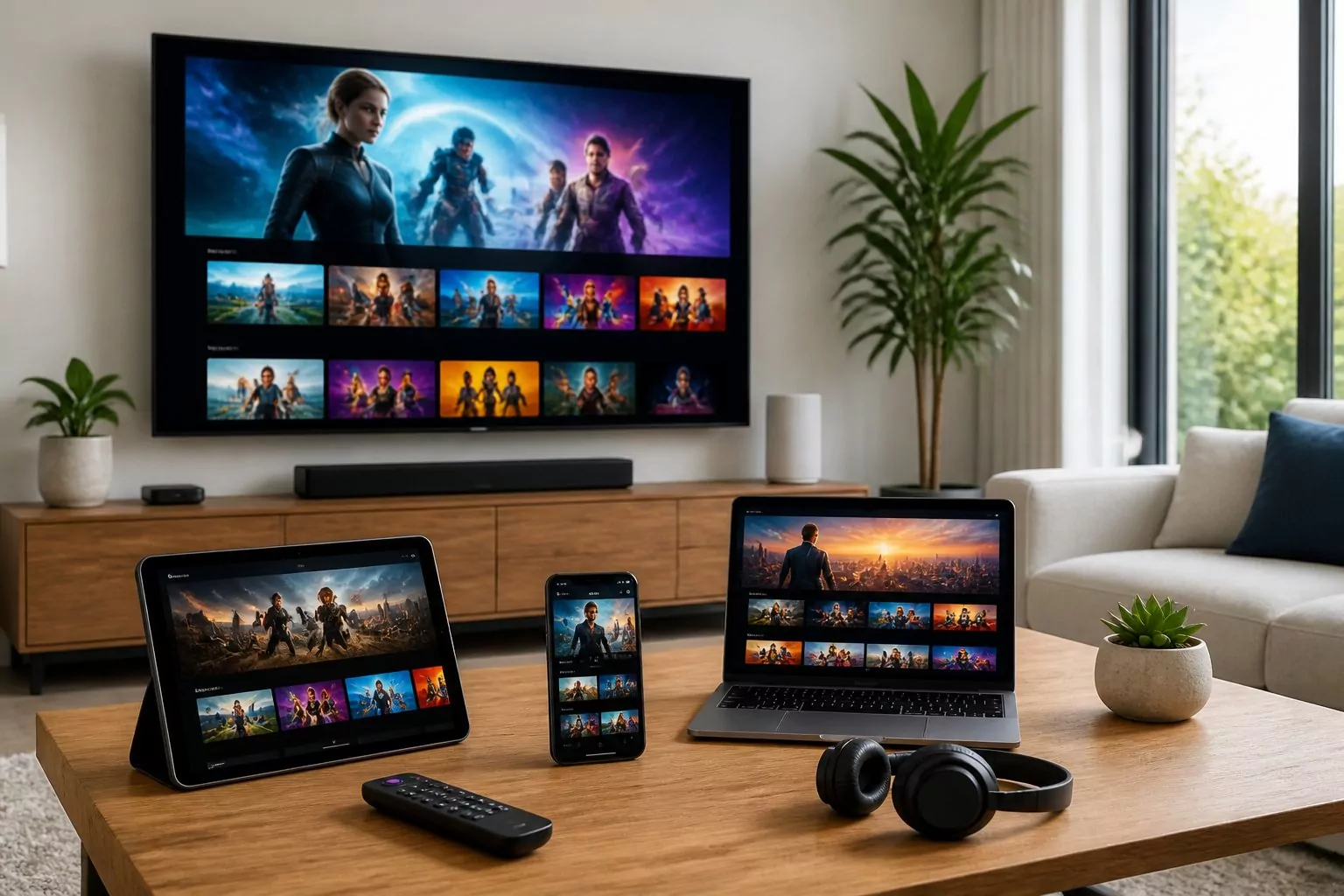
You can watch Amazon Prime Video on most modern screens without extra hardware. The service works on smart TVs, streaming devices, phones, tablets, game consoles, and web browsers, so you can stream at home or on the go.
Supported Smart TVs and Streaming Devices
Prime Video runs on many Smart TV brands, including Samsung, Sony, LG, Panasonic, and others that support the Prime Video app. Most 4K models support Ultra HD, HDR, and Dolby audio, but features depend on your TV model.
You can also stream through popular media players and set‑top boxes. These include:
- Amazon Fire TV
- Roku devices
- Apple TV
- Google Chromecast
- Select Blu‑ray players and game consoles
You install the Prime Video app from your device’s app store. After you sign in with your Amazon account, you can stream movies, TV shows, and live sports.
Some older TVs may not support new app updates. In that case, you can connect a streaming device with HDMI to keep access to Amazon Video services.
Mobile and Web Apps
You can download the Prime Video app on iOS and Android phones and tablets. The app lets you stream over Wi‑Fi or mobile data.
You can also download select titles for offline viewing. This helps when you travel or have limited internet access.
On a computer, you can stream directly from a web browser. Prime Video supports current versions of Chrome, Safari, Edge, and Firefox. You do not need to install extra software.
The app and web player let you control subtitles, audio tracks, and video quality. Available features depend on the title and your device.
Integration with Fire TV, Roku, and Apple TV
Prime Video works smoothly with major streaming platforms. On Fire TV, the service integrates deeply with the home screen and Alexa voice controls. You can search, launch shows, and control playback with voice commands.
On Roku, you download Prime Video from the Roku Channel Store. The app supports 4K and HDR on compatible Roku models. You can use the Roku remote or mobile app to control playback.
On Apple TV, you install Prime Video from the App Store. Newer Apple TV models support high‑resolution video and advanced audio formats. You can also use Siri to search within the app.
These integrations make it easy to access Amazon Video alongside other streaming platforms from one device.
User Experience and Personalization
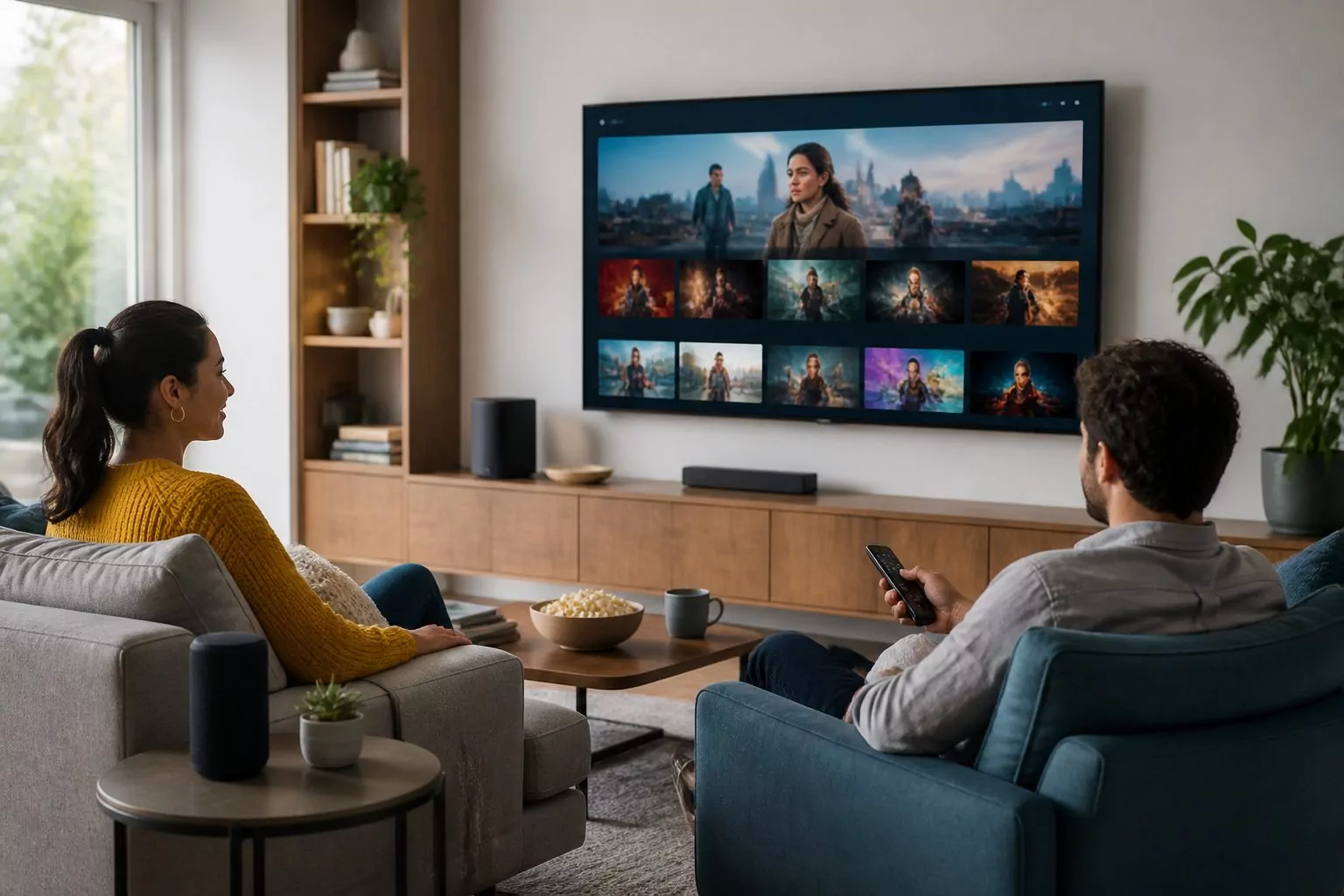
Prime Video focuses on making it easy for you to find, manage, and control what you watch. You get tools that shape your viewing experience based on your habits, preferences, and household needs.
Multiple Profiles and Parental Controls
Prime Video lets you create multiple profiles under one account. Each profile keeps its own watchlist, recommendations, and prime video watch history. This setup helps the system learn your habits without mixing them with someone else’s choices.
You can set up dedicated Kids profiles with age filters. These filters limit content by rating and block titles that fall outside the allowed range. You manage these limits in your account settings.
Parental controls also include a PIN requirement. You can require a PIN for purchases or for playback of certain ratings. This step helps prevent unwanted rentals or subscriptions.
Your profile settings do not change your store order history. Shopping activity stays separate, while streaming activity shapes your viewing experience and audience insights tied to your profile.
Recommendations and Watch History
Prime Video uses your watch activity to suggest movies and shows. It looks at what you stream, how long you watch, and what you rate. These signals shape rows like “Recommended for You” and genre-based collections.
Your prime video watch history plays a key role. When you finish a series or rewatch certain genres, the system adjusts future suggestions. You can review and remove titles from your watch history in your account settings.
Prime Video also creates personalized collections, often grouped by themes or micro-genres. These groupings aim to match your specific tastes, such as crime dramas or family comedies.
The platform uses audience insights from broad viewing trends to refine suggestions. While your store order history does not directly control recommendations, your overall account activity can support a more tailored experience across Amazon services.
Interface Features and Accessibility
Prime Video has updated its interface to simplify navigation. The main menu highlights key areas like Home, Movies, TV Shows, Sports, and Store. Clear labels show what is included with your membership and what requires an extra fee.
You can see whether a title is part of Prime, available to rent, or included through an add-on channel. This clarity reduces confusion and speeds up your selection process.
Features like Dialogue Boost improve speech clarity on supported titles. This option raises spoken voices over background sound, which helps you follow conversations.
The platform also supports subtitles, audio descriptions, and multiple language tracks. These tools improve accessibility and give you more control over how you watch.
Privacy, Cookies, and Advertising Policies
Amazon Prime Video collects and uses data to run the service, personalize content, and deliver ads. You can review how cookies work, adjust advertising choices, and read the full privacy notice to understand how your information is handled.
Cookie Notice and Personalized Ads
Prime Video uses cookies and similar tools to recognize your device and track activity. Cookies help the service remember your settings, keep you signed in, and store items like watch history.
Amazon also uses advertising cookies. These cookies support personalized ads on Prime Video and other websites. They track basic data such as pages viewed, titles watched, and interactions with ads.
You may also see ads based on:
- Your viewing history
- Your searches on Amazon
- Your purchases or browsing activity
Amazon states that cookies help with measuring visits, improving features, and recommending content. Some third-party advertisers may also place cookies when you interact with their ads or links.
You can review details in the Amazon Cookie Notice, which explains how these tools work and how long they stay on your device.
Managing Advertising Choices
You have control over many advertising settings. Amazon provides an Advertising Preferences page in your account.
From there, you can:
- Turn off personalized ads
- Adjust interest-based ad settings
- Manage some third-party ad permissions
If you turn off personalized ads, you will still see ads. However, they may be less relevant to your interests.
You can also manage cookies through your browser settings. Most browsers allow you to block or delete cookies. Keep in mind that blocking certain cookies may limit features such as saved preferences or automatic sign-in.
Some devices, such as smart TVs or streaming sticks, also include built-in privacy controls. You must adjust those settings directly on the device.
Data Usage and Privacy Notice
Amazon collects personal information when you create or use your account. This may include your name, email, payment details, viewing history, device data, and location information.
The Amazon Privacy Notice explains how the company uses this data. Common uses include:
- Processing payments
- Recommending shows and movies
- Improving service performance
- Preventing fraud
- Supporting advertising
Amazon may share data with service providers and advertising partners. These partners help run the platform, analyze traffic, and deliver ads.
You can access and update much of your information through your account settings. The Privacy Notice also explains how Amazon protects your data and outlines your rights based on your location.
Frequently Asked Questions
Prime Video offers monthly and annual plans, a large on‑demand library, optional add‑on channels, and support for many devices. You can start or cancel service online and sign in on TVs, phones, game consoles, and web browsers.
How much does Prime Video cost per month, and are there annual plan options?
You can subscribe to Prime Video as a standalone service for a monthly fee. In the U.S., it typically costs about $8.99 per month.
You can also get Prime Video through a full Amazon Prime membership, which costs about $14.99 per month or $139 per year. The annual Prime plan lowers the monthly average cost.
Prices may vary by country and may change over time.
What movies and TV shows are included with a Prime Video subscription?
Your subscription gives you access to a streaming library that includes Amazon Originals, licensed movies, TV series, and some live sports.
Amazon Originals include exclusive shows and films produced or funded by Amazon. The catalog also features popular movies, older TV series, and rotating titles.
Some content requires an extra rental or purchase fee. Titles included with your membership are clearly labeled inside the app.
Does Prime Video offer a free trial, and how do I start or cancel it?
Amazon often offers a 30‑day free trial for new Prime members. Availability depends on your account status and location.
You can start a trial by visiting the Prime or Prime Video page and selecting the trial option. To cancel, go to Your Account, choose Memberships & Subscriptions, and follow the cancellation steps.
If you cancel before the trial ends, Amazon does not charge you.
What channels can I add through Prime Video Channels, and how is billing handled?
You can add premium networks and streaming services through Prime Video Channels. Options often include channels like Max, STARZ, Showtime, AMC+, and others.
You subscribe to each channel separately for a monthly fee. Amazon handles billing in one place, so you see all charges on your Amazon account.
You can cancel individual channels at any time without canceling Prime Video.
What’s the difference between an Amazon Prime membership and a Prime Video-only subscription?
A Prime Video-only subscription gives you access to the streaming library without other Amazon Prime benefits.
A full Amazon Prime membership includes Prime Video plus perks like free shipping on eligible items, Prime Day deals, and other Amazon services.
If you only want streaming, the standalone Prime Video plan costs less per month than full Prime.
How do I sign in to Prime Video on my TV, phone, or web browser?
You can watch Prime Video through the Prime Video app on smart TVs, streaming devices, game consoles, and mobile devices. Many Blu-ray players and set-top boxes also support the app.
Download or open the app, then sign in with your Amazon account email and password. On some TVs, you may enter a code at a Prime Video website to link the device.
You can also stream on a computer by visiting the Prime Video website and signing in through your web browser.