
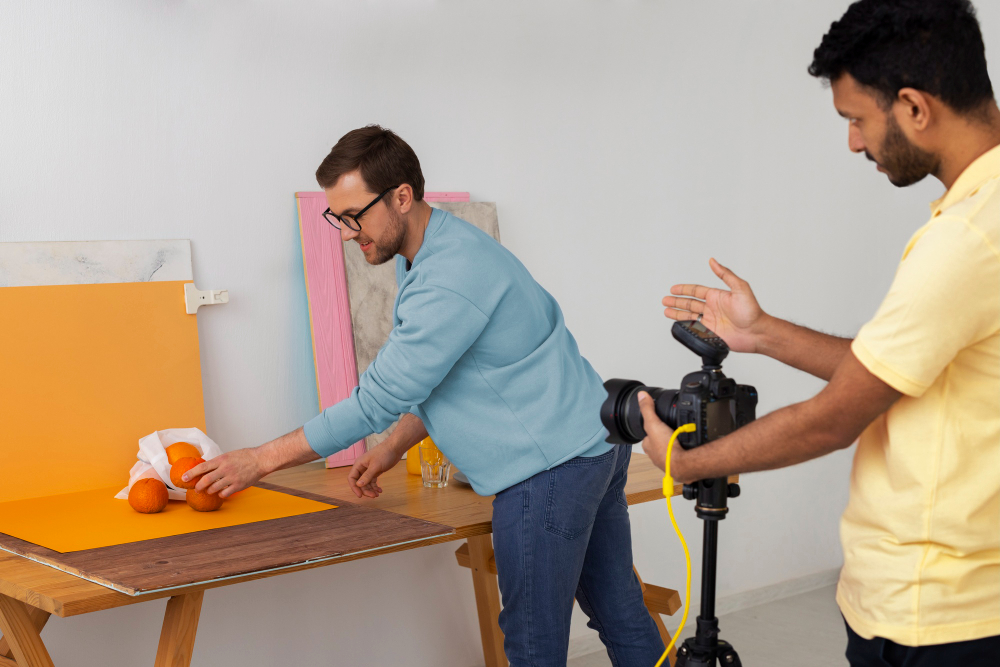
Choosing between 3D product rendering and product photography comes down to one question: does the product exist yet, and how many versions of it do you need to show? For brands launching before samples ship, selling multiple colors or configurations, or building large Amazon catalogs, 3D product rendering is the better starting point, while finished single-SKU products that depend on texture or human context still call for product photography. Both methods can produce ecommerce product images that look sharp on a listing page, but they solve different production problems.
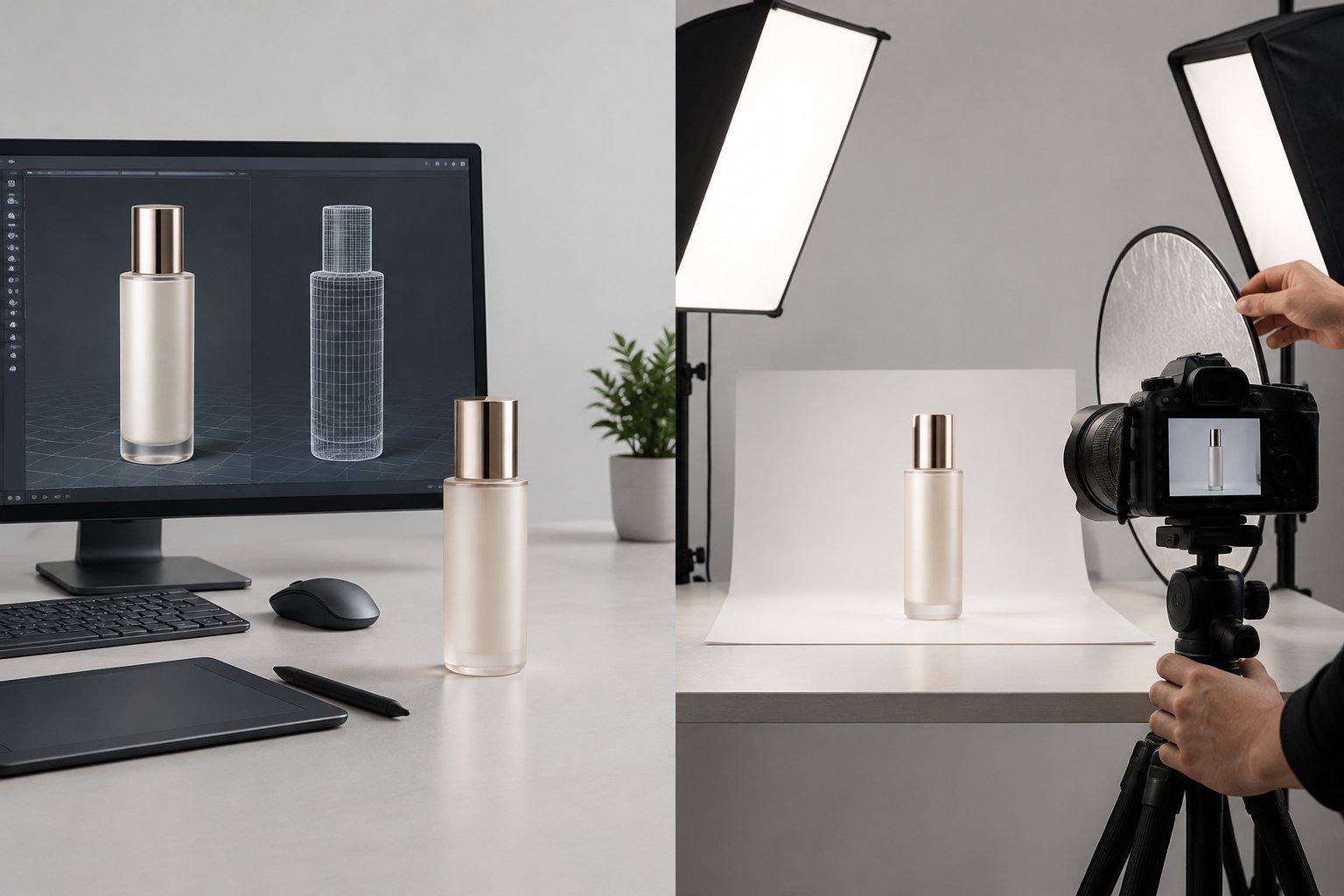
Brands often default to whichever method they used last time, without checking if it still fits the product lineup or the launch timeline. A supplement brand with six flavor variants has different needs than a furniture company shipping one finished sample. Picking the right method for each situation protects budget and keeps creative assets ready when a listing or ad campaign needs them.
How Do the Two Production Methods Differ?
3D rendering builds images from a digital file, while photography captures a physical object in front of a camera. The gap between 3d rendering vs photography shows up most in how early you can start, how many image variations you can produce, and how close the final result gets to true photorealism.
Rendering Turns a Digital Model Into Product Images
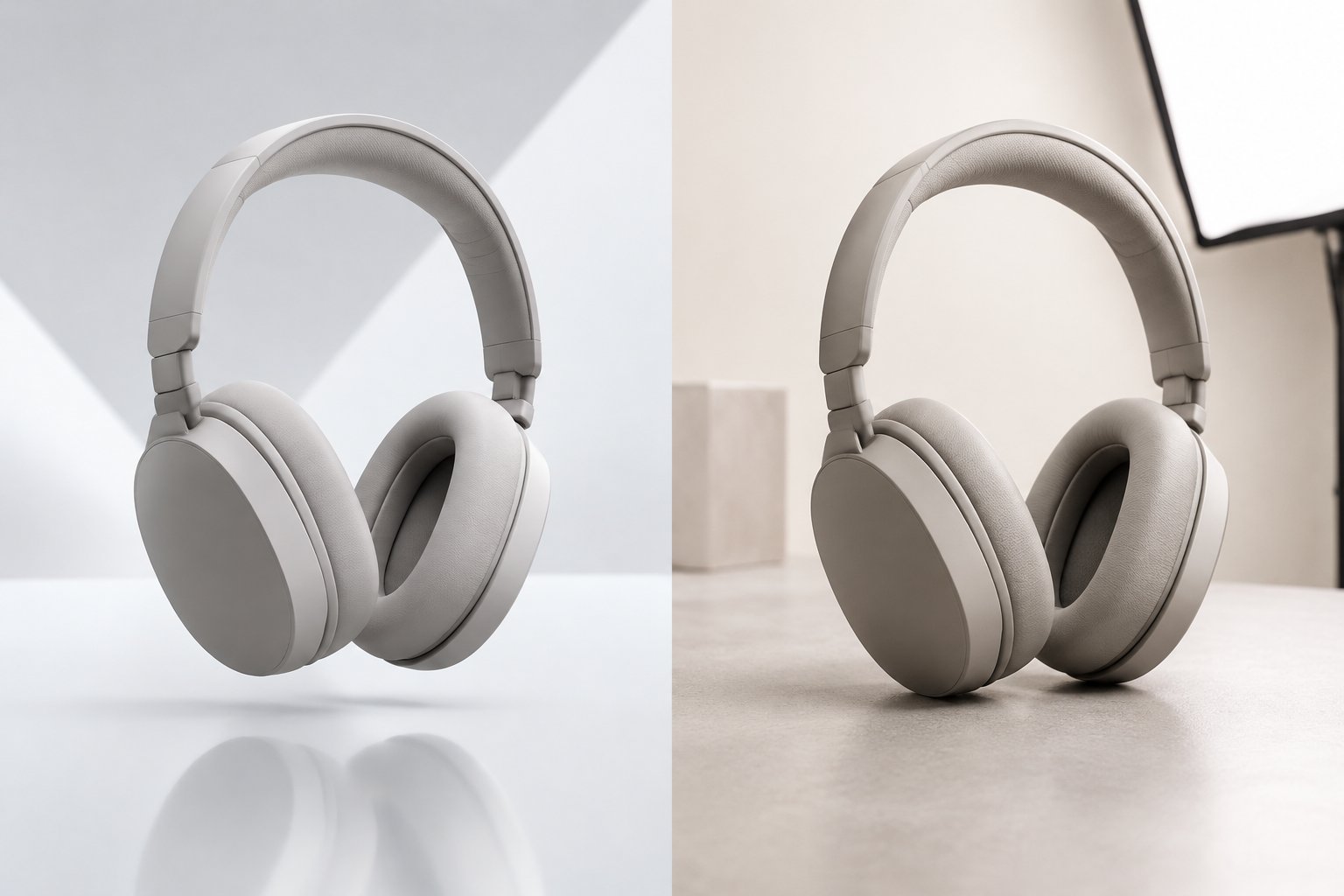
A digital 3D model is built using CAD files, scans, or reference photos, then processed through 3D modeling software that simulates how light hits every surface. Once the model exists, a team can generate new product images in different colors, backgrounds, or angles without touching a physical item. This makes the model the real asset, since the rendering step itself can be repeated at low cost.
Photography Captures a Physical Product
Photography needs a finished sample, a studio setup, and a photographer to shoot it under real lighting. Every new angle, color, or background typically means a new shoot or at least a new setup within the same session. The output reflects exactly what the camera saw, including natural texture and small imperfections that buyers associate with authenticity.
Cost, Flexibility, Realism, and Turnaround at a Glance
| Factor | 3D Rendering | Photography |
|---|---|---|
| Upfront cost | Higher (model build) | Lower (studio day rate) |
| Cost per extra variant | Low | High (new setup) |
| Time to first image | Days after CAD intake | Weeks with scheduling |
| Photorealism | High with proper lighting | High by default |
| Best for | Multiple variants, pre-launch | Single finished product |
When Is Rendering the Better Choice?
Rendering works best when a product doesn’t exist yet in final form, comes in many variants, or needs views a camera can’t easily capture. Once a digital 3D model is built from cad files, it becomes a reusable asset for product renders, animation, and new scenes without new production costs.
Preparing Launch Assets Before Physical Samples Arrive
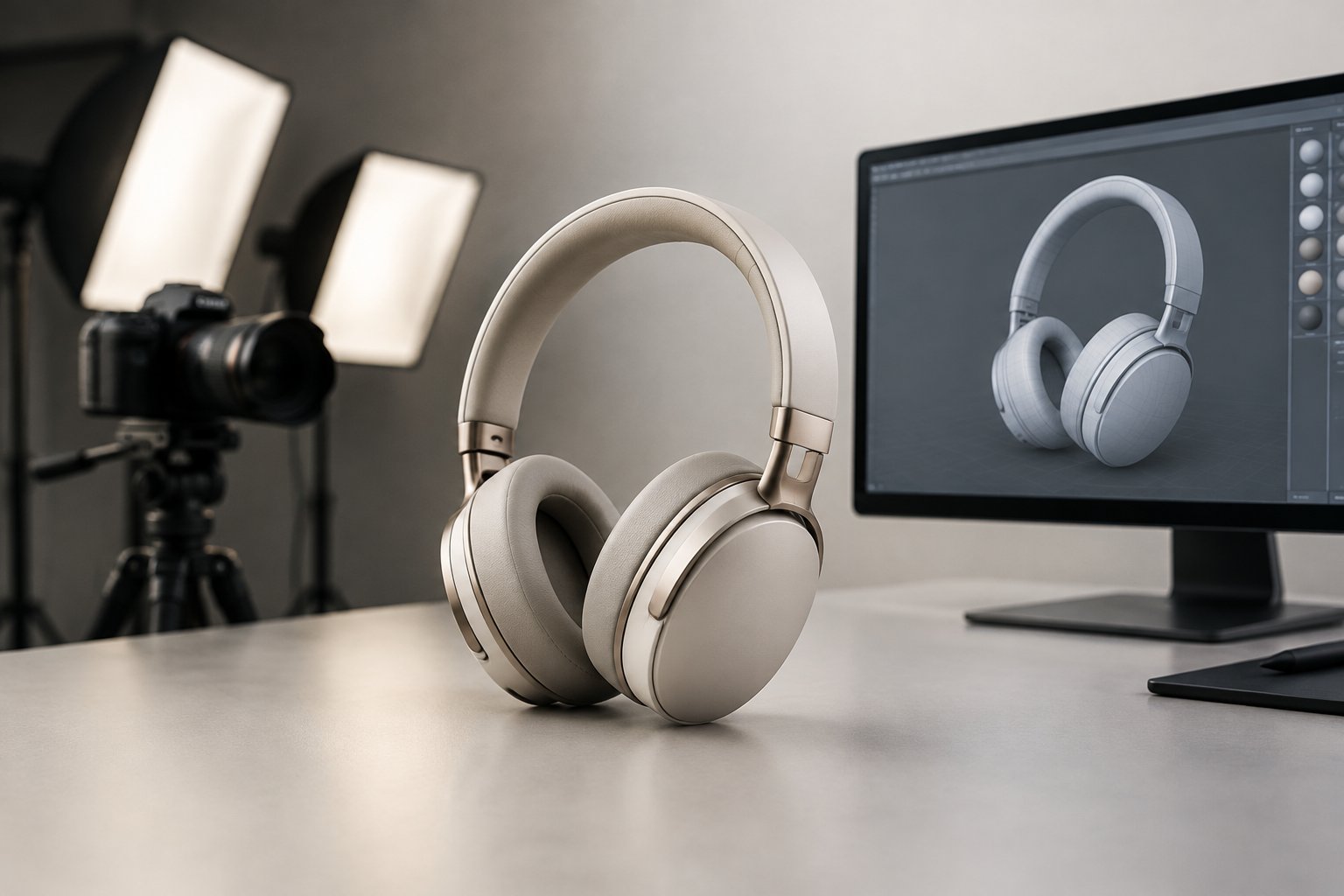
Manufacturing a prototype just to photograph it adds cost and delay to a launch timeline. Product rendering lets a brand build listing images, ad creative, and catalog pages while the factory is still finishing tooling. Our own 3d product design for ads a beginners guide covers how brands get ahead of production delays using this approach.
Creating Consistent Images Across Colors and Configurations
A base model generates product variations and product variants without separate shoots for each one. A brand selling a water bottle in eight colors needs one model and a material swap for each color, not eight photo sessions. The result is pixel-perfect consistency across the full set.
Showing Internal Components and Hard-to-Capture Angles
Exploded views, internal components, and cutaway diagrams are difficult or impossible to photograph. 3D models can be sliced open, rotated, or displayed mid-assembly in ways a physical camera cannot replicate. This matters for electronics, appliances, and anything with moving parts buyers want to understand.
Reusing a Model for New Scenes and Animation
The same 3D models used for static product images can drive product animation, 360-degree spins, and new seasonal scenes. A single rendering investment supports 3d visualization across a catalog page, a video ad, and a trade show display without rebuilding from scratch.
When Is Photography the Better Choice?
Photography wins when a product’s appeal depends on texture, human interaction, or a short list of images from a sample that already exists. Product imagery built from real shoots captures details that are harder to fake convincingly, and the production cost stays reasonable when the image count is small.
Showing Food, Fabric, and Distinctive Surface Textures
Food, textiles, and products with irregular surface detail still favor the camera. Buyers judge these categories by texture cues like sheen, weave, or moisture that a lens picks up naturally. Getting this right in a render takes significant material work that may not be worth it for a single hero shot.
Capturing Real People Using the Product
A product shown in someone’s hands, on a body, or in daily use benefits from real photography. Human proportion, movement, and expression remain difficult to render convincingly at scale. Lifestyle visual content with real models still performs best when shot rather than built digitally.
Producing a Small Image Set From a Finished Sample
When a brand has one finished product and needs five or six images, a single photo shoot is often the fastest and cheapest path. There’s no model-building cost to recover, and the photographer can adjust lighting and framing on the spot. Our amazon product photography service covers this kind of straightforward shoot for sellers who need a complete image set quickly.
What Determines Cost and Turnaround?
Cost and speed depend on how many images a brand needs, not just which method it picks. A single render or single photo can cost about the same, but the economics flip once variants, revisions, and future updates enter the picture.
Rendering Costs: Model Creation, Materials, Scenes, and Revisions
Most of the rendering budget goes into building the 3d model, since the model creation stage requires geometry work, material setup, and lighting approval before mass production starts. Once that first-in-series render is locked, additional product renders in new colors or scenes cost a fraction of the original build. Revision rounds on the base model are the main ongoing expense.
Photography Costs: Samples, Studio Production, and Retouching
Photography cost centers on the shoot day itself: studio rental, photographer time, styling, and retouching. Shipping physical samples to a studio, storing them, and handling damage during transport add expenses that don’t show up in the initial quote. Our amazon photography guide breaks down what typically drives these studio costs up or down.
Comparing Total Costs Across Variants and Future Updates
A brand with one product and no planned updates may find photography cheaper overall. A brand with multiple variants, frequent seasonal refreshes, or a cad file already in hand from engineering tends to recover rendering costs faster, since every new angle or color reuses the same model instead of funding a new shoot.
How Can a Hybrid Workflow Support Listings and Ads?
Most active Amazon catalogs benefit from combining both methods rather than picking one exclusively. Photography anchors the hero image with authentic texture, while 3d product renders fill in variant shots, lifestyle scenes, and ad creative without repeat shoots.
Assigning Photos and Renders to Specific Shopper Questions
Each image on a listing answers a different shopper question: what does it look like, what’s included, how does it compare in size. Assigning photography to the questions that need real texture and rendering to the questions that need multiple angles or configurations keeps the budget efficient. Our tips for amazon listing page covers how to map image slots to these shopper questions.
Checking Accuracy and Current Amazon Image Requirements
Renders must match the physical product exactly in color, proportion, and included accessories before they go live. Amazon’s current image requirements set specific standards for background, resolution, and product fill, so any rendered image needs the same compliance check as a photographed one. Reviewing the amazon product images guide helps confirm an image set meets those standards before upload.
Planning Reusable Assets for A+ Content and Advertising
A 3D model built for the main listing can be repurposed into A+ content modules and display ad creative without a new production round. This reduces the need for a separate photo shoot every time a new ad angle is needed. Planning this reuse early, before the model is finalized, saves a second round of asset requests later.
Testing Creative Without Assuming Either Method Converts Better
Neither photography nor rendering wins conversion by default. Running A/B tests on hero images, whether rendered or photographed, shows which version actually moves click-through and conversion for a specific product. Our scale amazon ads resource covers how creative testing fits into a broader advertising plan once the image set is ready.
Choose the Method That Fits Your Product and Asset Plan
3D product rendering suits brands launching before samples exist, managing multiple variants, or planning to reuse one asset across many scenes, while product photography suits finished single products, texture-driven categories, and small image sets. Most active Amazon sellers end up using both at different points in a product’s lifecycle. Matching the method to the specific need, rather than defaulting to one approach for every product, keeps creative spend proportional to the actual catalog size and launch timeline.
Frequently Asked Questions
How much do 3D product renderings cost?
Costs depend mostly on model complexity and the number of variants or scenes needed, with the bulk of the budget going into building the first model. Once that model exists, additional renders in new colors or angles cost far less than the original build. A brand with many SKUs or frequent color updates sees the strongest cost advantage over time.
Can 3D product renders look as realistic as photographs?
Yes, with accurate materials and proper lighting setup, a render can be indistinguishable from a photograph at normal viewing resolution. The quality depends heavily on how carefully the lighting and surface materials were built during production. Flat or rushed lighting setups are the most common reason a render looks unconvincing.
Do I need CAD files to commission a product render?
CAD files help but aren’t the only starting point. A model can also be built from technical drawings, reference photos, or a physical sample sent in for scanning. Having clean CAD files does speed up the process and reduces early revision rounds.
Is rendering faster than photography for a product launch?
Rendering can start before a physical sample exists, which gives it a real speed advantage for pre-launch timelines. Photography needs a finished product, plus studio scheduling that often takes two to four weeks. For brands waiting on manufacturing, rendering produces usable images sooner.
Can I use 3D renders in Amazon product listings?
Yes, as long as the image meets Amazon’s current image requirements for background, resolution, and accurate product representation. The render needs to match the physical product in color, size, and included contents. Sellers mixing renders and photos on one listing should keep lighting and background style consistent across both.