
Understanding Amazon’s warehouse code system helps you move products faster and plan shipments with confidence. Each code—like PHX5 or DFW6 , tells you where inventory moves within Amazon’s network and what type of facility it belongs to.
Knowing what these warehouse codes mean gives you a clear view of how Amazon tracks, stores, and ships orders across its entire fulfillment system.
You’ll see that the system isn’t random. Every code connects to a specific facility type, from fulfillment and distribution centers to sortation and delivery stations. Once you learn how to interpret them, you can easily locate where your goods are handled and understand how Amazon organizes its massive logistics chain.
Understanding these codes not only saves time but helps optimize your own business operations. You can use this knowledge to plan inventory, select shipment routes, and even estimate delivery times more accurately.
Key Takeaways
- Amazon warehouse codes identify specific facility locations and types.
- Learning code meanings helps improve logistics and inventory planning.
- Understanding the system gives insight into Amazon’s fulfillment process.
Understanding Amazon Warehouse Codes
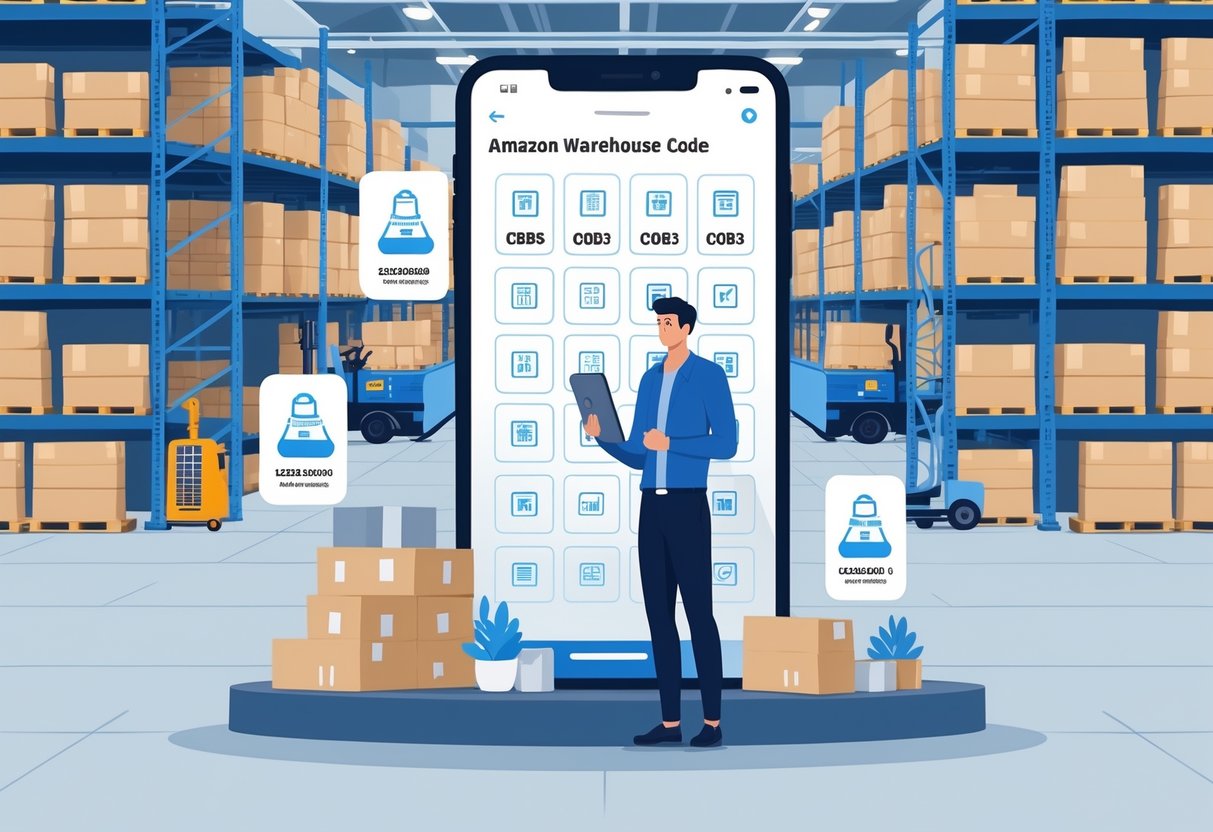
Amazon assigns unique identifiers to each of its fulfillment and distribution facilities. These codes help you track where inventory is stored, processed, and shipped within Amazon’s vast logistics network. They also simplify inventory management by linking each product location to a specific geographic area.
What Are Amazon Warehouse Codes?
Amazon warehouse codes are alphanumeric identifiers that mark specific buildings across the company’s global network. Each code points to a physical location such as a fulfillment center, sortation center, or delivery station.
Learn more about Tiktok story viewer anonymous
For sellers using Fulfillment by Amazon (FBA), you see these codes when creating or managing shipping plans. They tell you where to send your inventory and help Amazon route orders more efficiently. For example, codes like LAX9 (Fontana, CA) or IND2 (Plainfield, IN) represent major fulfillment hubs.
By using these codes, you know exactly where your inventory enters Amazon’s system. This transparency makes it easier to track returns, shipments, and restocks. It also helps confirm that your products are located strategically near customer demand.
How Warehouse Codes Are Structured
A typical warehouse code combines three letters and a number. The letters usually match the airport code of the nearest major city, while the number identifies a specific building or site in that area.
Speak to Expert PPC management in the UK today!
For example:
| Code | Location | Nearest City |
|---|---|---|
| ONT8 | Moreno Valley, CA | Ontario, CA |
| LAX9 | Fontana, CA | Los Angeles, CA |
| IND2 | Plainfield, IN | Indianapolis, IN |
This format keeps Amazon’s system consistent across different regions. If multiple facilities exist near the same city, the numeric suffix distinguishes them.
Understanding this structure helps you interpret shipment details in your Amazon dashboard. When you ship products to multiple locations, you can easily identify which facility receives each portion of your stock.
The Role of Codes in Order Fulfillment
Warehouse codes play a vital role in how Amazon manages order fulfillment from start to finish. When you send inventory, Amazon software decides which fulfillment centers will receive your products. The system spreads inventory across codes to keep items close to customers.
During order processing, these codes guide which facility picks, packs, and ships a product. They also appear on tracking and labeling systems, helping both you and Amazon trace shipments quickly.
By learning how to read and use warehouse codes, you handle logistics more efficiently. You can estimate shipping time, monitor stock placement, and reduce transport costs by understanding each code’s geographic relevance.
Types of Amazon Warehouses
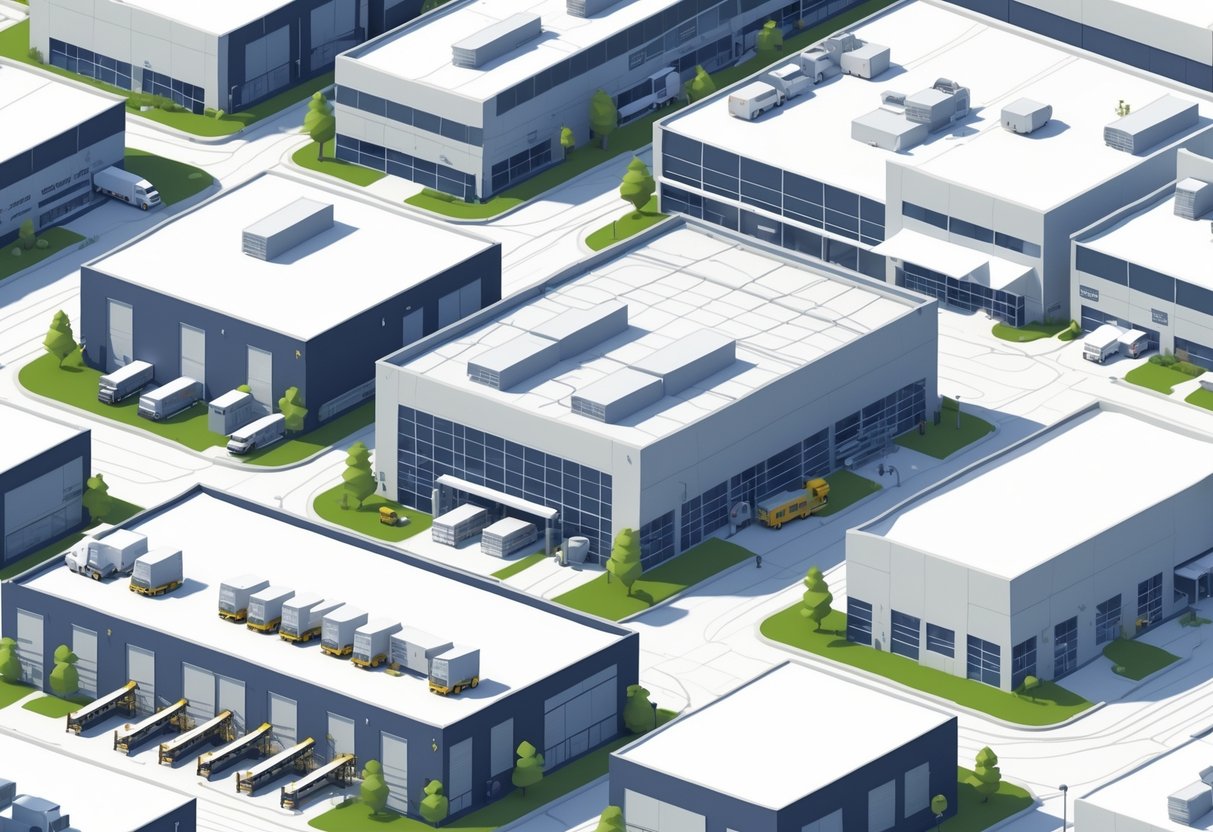
Amazon operates a wide range of warehouse facilities, each serving a specific role in how your order moves from storage to final delivery. Their network connects large fulfillment centers to regional delivery hubs to speed up processing and reduce transit times.
Fulfillment Centers vs. Sortation Centers
Fulfillment Centers (FCs) handle most of Amazon’s product storage and order processing. You’ll find items stored on tall racks across hundreds of thousands of square feet. Employees and robots work together to stow, pick, pack, and ship items. Sortable FCs focus on small and medium packages, while non-sortable FCs deal with large or heavy goods such as TVs or furniture.
10 Steps To Create Amazon Storefront: Prerequisites And Costs Explained
Once packed, orders move to Sortation Centers (SCs), where shipments are grouped by destination. These facilities don’t store inventory; they organize parcels for transport to local delivery sites. SCs improve efficiency by routing packages closer to their delivery zones.
| Type | Primary Function | Typical Size | Handles |
|---|---|---|---|
| Fulfillment Center | Inventory storage, order fulfillment | 600,000–800,000 sq ft | All product types |
| Sortation Center | Organizes parcels for delivery routes | Smaller than FCs | Sorted parcels |
Together, FCs and SCs keep orders moving smoothly through the logistics system.
Delivery Stations and Prime Now Hubs
Delivery Stations (DSs) are the final stop before your package reaches your doorstep. Here, workers scan, sort, and load packages onto vans for last-mile delivery. These buildings are smaller and more flexible than fulfillment or sortation centers, often serving specific city areas.
Prime Now Hubs—also called sub same-day locations—focus on ultra-fast delivery of popular items. You can expect these sites to handle a limited selection of goods in nearby urban zones. Their small footprint allows faster movement and shorter delivery windows.
Most large cities operate both DSs and Prime Now Hubs, working together to shorten delivery times and meet same-day or next-day shipping targets.
Skyrocket Your Sales with Expert Amazon PPC Management Services
Amazon Fulfillment Center Locations
You can find Amazon warehouse locations around the world, organized through a network of fulfillment, distribution, sortation, and delivery centers. Each facility has a unique code that helps manage inventory and shipping efficiently for sellers, drivers, and customers.
United States Facility Overview
In the United States, Amazon operates more than 300 fulfillment centers (FCs) along with many distribution and sortation centers. These sites support the company’s large logistics network that stores, packs, and ships millions of products each day.
Most domestic facilities use a code made of three letters and one number, such as PHX5 in Goodyear, Arizona, or BHM1 in Bessemer, Alabama. The letters often match the area’s airport code, helping you identify the region faster.
Each location focuses on different types of products and services. For example, sortable fulfillment centers handle small or medium-sized items, while non-sortable ones process large items like furniture or sports gear. Sortation centers group packages by delivery routes, and final-mile Delivery Stations load them onto vans for local delivery.
| Type | Description | Example Code | Example Location |
|---|---|---|---|
| FC (Fulfillment Center) | Stores and ships customer orders | PHX5 | Goodyear, AZ |
| DC (Distribution Center) | Moves stock to regional FCs | MOB5 | Theodore, AL |
| SC (Sortation Center) | Sorts packages by delivery area | LAX5 | Buena Park, CA |
International Locations Summary
Amazon’s global network includes warehouses across Europe, Asia-Pacific, the Middle East, and South America. Countries like the United Kingdom, Germany, Japan, India, and Australia each host multiple fulfillment centers that mirror U.S. operations.
International codes follow the same structural pattern as U.S. codes, allowing consistent tracking. For example, BHX4 identifies a center in Coventry, United Kingdom, while BLR8 marks one in Bengaluru, India. Each code connects to specific local requirements such as import regulations, product handling, and delivery timing.
You can find more than 1,300 total distribution and fulfillment centers worldwide as of 2025. This expansion helps maintain fast shipping times and supports local marketplaces while keeping warehousing close to major customer regions.
Looking for professional UK PPC management services connect with us now!
Finding the Nearest Warehouse
You can locate your nearest Amazon warehouse or fulfillment center using online directories or seller tools in Amazon Seller Central. These resources display addresses, facility codes, and types.
Searching by state, postal code, or country helps narrow results. For instance, if you live in California, codes like ONT8 or LAX9 correspond to nearby centers in San Bernardino County. Each listing typically includes the exact street address and indicates whether it is an FC, DC, or delivery station.
Knowing your correct warehouse code saves time when shipping FBA inventory, scheduling deliveries, or planning routes for Amazon Flex. It ensures your products move through the right channels and reach customers without delay.
Understand, What does Scrape Amazon by ZIP code actually mean?
When people say “scrape Amazon by ZIP code”, they usually want to:
-
See search results, prices, availability, or Buy Box sellers
-
As if the shopper is located in a specific ZIP code
-
Because Amazon changes availability, delivery dates, and Buy Box based on location
Example:
A product might be available in New York (10001) but out of stock in Los Angeles (90001).
Important Reality Check
Amazon does NOT officially allow:
-
Automated scraping of pages
-
Bots hitting search results at scale
-
Headless browsers without controls
Doing this the wrong way can:
-
Get IPs blocked
-
Trigger captchas
-
Get accounts flagged
Decoding Common Amazon Warehouse Code Examples
Each Amazon warehouse code reveals specific information about a facility’s location and type. Understanding how these codes are structured helps you identify where your products are stored, processed, or shipped from within Amazon’s logistics network.
Structure and Meaning of Code Prefixes
Amazon warehouse codes usually combine three letters and one or more numbers—for example, ONT8 or IND2. The letters often match the IATA airport code of the major city closest to the warehouse. The numbers show a unique identifier for each facility in that region. This format keeps listings consistent and helps Amazon manage tens of thousands of shipments across its network.
| Code Example | Prefix Meaning | Location Reference |
|---|---|---|
| ONT8 | Ontario, CA (Ontario International Airport) | Moreno Valley, California |
| LAX9 | Los Angeles, CA (LAX Airport) | Fontana, California |
| IND2 | Indianapolis, IN (IND Airport) | Plainfield, Indiana |
You’ll see these prefixes used throughout Fulfillment by Amazon (FBA) when shipping or tracking products. Recognizing them helps you match your shipment destinations to specific U.S. regions. This knowledge can improve cost estimates and give you stronger control over inventory alignment.
Identifying Key Facilities with Codes
Amazon operates various facility types linked to these codes. Codes like LAX9 and ONT8 point to sortable fulfillment centers that handle items such as books, electronics, and small home goods. Other codes may refer to non-sortable centers, which handle bulkier items like appliances or furniture.
Some locations connect to specialized facilities. For instance, sortation centers organize outbound orders by zip code before final delivery, while delivery stations handle last-mile preparation. Knowing a site’s purpose lets you understand how your items move through the fulfillment process.
By identifying the code attached to each Amazon warehouse location, you can easily predict the type of work done there and how it fits into your shipping plan. This helps you plan smarter and anticipate transit times more accurately.
Implications for FBA Sellers
You must manage how your products move through Amazon’s fulfillment network, from initial shipment to storage and delivery. Each decision affects how much you pay in FBA shipping costs, the speed of order handling, and the accuracy of your inventory placement.
Get done-for-you Amazon product listing optimization services today
Shipping Inventory to Amazon Warehouses
When you create a shipping plan in Seller Central, Amazon assigns specific warehouse codes based on product type, customer demand, and geographic distribution. You cannot usually choose these destinations yourself. This system helps Amazon place stock closer to buyers for faster delivery.
You’ll see warehouse codes like ONT8 (California) or IND2 (Indiana) in your shipment details. These identifiers tell you where your inventory is going, which helps you track shipments and confirm delivery status. Always label boxes accurately and follow Amazon’s FBA shipment preparation guidelines to avoid delays.
Sending products to multiple locations may seem complex, but it improves your coverage and reduces delivery time. If you sell fast-moving or seasonal goods, this distribution helps maintain consistent order fulfillment speed. Keep shipping records for each warehouse code to monitor where your items are stored and how frequently Amazon redistributes them.
Calculating FBA Shipping Costs
FBA shipping costs depend on distance, shipment size, and the number of fulfillment centers receiving your goods. Amazon’s algorithm often splits shipments among several locations to meet customer demand, which can raise transportation expenses.
To manage costs, use the Amazon FBA Revenue Calculator or Shipping Plan Preview to estimate fees before sending inventory. Smaller and lighter packages usually cost less to move. Using Amazon’s preferred carriers can also lower rates through partnered-carrier discounts.
Create a simple comparison chart to keep track of typical costs:
| Shipment Factor | Example Impact |
|---|---|
| Number of destinations | More centers = higher total cost |
| Package weight | Heavier items = higher rate |
| Carrier type | Partnered carrier = lower cost |
Monitoring these factors helps you budget more accurately and identify areas where you can consolidate shipments.
Inventory Placement Service (IPS)
The Inventory Placement Service (IPS) lets you send all products to one fulfillment center instead of several. Amazon then redistributes your inventory within its network based on demand. This option can simplify logistics and reduce initial transportation complexity.
IPS can be practical for large shipments or international sellers. You manage fewer outbound shipments and reduce labeling errors. However, Amazon charges an additional fee per unit that varies by item size and weight.
Keep in mind that certain categories—like apparel, jewelry, or oversized goods—may still require specific handling locations even under IPS. Evaluate whether the convenience offsets these costs. When used correctly, IPS can give you better visibility over shipments and help balance how your stock spreads across Amazon’s fulfillment centers.
Amazon’s Logistics Network and Last-Mile Operations
Amazon’s logistics system connects storage, sorting, and transportation into one continuous network. Each step—from warehouse preparation to doorstep delivery—relies on automation, data tracking, and independent service providers to move packages quickly across regions.
Integration with Fulfillment by Amazon
When you use Fulfillment by Amazon (FBA), your products enter a network of fulfillment centers, sortation hubs, and FBA prep services that standardize labeling, packaging, and storage. These facilities use barcode systems and automated picking to handle large volumes with precision.
Once an order is placed, Amazon determines the best fulfillment center based on proximity to the buyer, inventory levels, and shipping capacity. This system reduces transport time and cost.
FBA also links with Amazon’s regional hubs, allowing partial inventory placement near demand clusters. That approach supports fast delivery for Prime orders while keeping stock distributed efficiently across the network.
| Key Element | Function |
|---|---|
| Fulfillment Center | Stores and picks products |
| Sortation Center | Groups packages by region |
| Prep Service | Ensures packaging compliance |
The scale and coordination of these facilities let you delegate storage and shipping completely, freeing you to focus on sales and inventory management.
Role of Delivery Stations in Last-Mile Delivery
Delivery stations handle the final leg of shipping, known as last-mile delivery. Once parcels arrive from sortation centers, these local stations scan, route, and assign them to drivers headed to surrounding neighborhoods.
This network ensures same-day or next-day delivery in many regions. Each station uses route optimization software to plan efficient paths that reduce travel time and fuel use.
Smaller Amazon Delivery Stations and local hubs shorten delivery distances while improving tracking accuracy. That structure also helps manage seasonal surges, with packages moving from national fulfillment centers to local zones for final delivery.
Delivery stations are built to serve dense areas but adjust easily for suburban and rural expansion by using flexible staffing and short-term contracts to maintain reliable service.
Amazon Flex and Third-Party Services
Amazon Flex allows you or independent drivers to deliver packages using personal vehicles through a mobile app. It supports quick scaling for volume spikes without requiring Amazon to expand its own fleet.
Drivers select delivery blocks, scan packages at dispatch, and confirm each drop-off digitally. This gives Amazon real-time delivery updates and performance data.
In addition to Flex, Amazon partners with Delivery Service Partners (DSPs)—small businesses that operate branded delivery vans under contract. These partnerships balance reliability and coverage, especially in suburban and rural markets.
Third-party logistics and Flex help Amazon adapt to changing consumer demand. Together, they keep the last-mile system agile, cost-effective, and responsive to customer expectations for fast and predictable delivery.
Frequently Asked Questions
You use the Amazon Warehouse Code Directory to identify facilities, decode warehouse labels, and track where items move through the logistics network.
Each code follows a structured format that helps sellers, drivers, and partners locate and manage inventory accurately.
What is the purpose of the Amazon Warehouse Code Directory?
The directory serves as a reference to identify Amazon’s fulfillment, distribution, and sortation centers. Each facility has a unique code—such as PHX5 or DFW6—that links to a specific location and function. You use these codes to direct shipments, plan deliveries, and monitor inventory movement within Amazon’s network.
How can I locate an item within an Amazon warehouse using its code?
You can match an item’s assigned facility code to the list of warehouse codes in the directory. The code identifies the building handling the product, which helps you know its regional location and shipping point. For example, codes starting with “PHX” relate to Phoenix, Arizona, while “ONT” connects to Ontario, California. What are the steps to decipher an Amazon warehouse location code? Start by identifying the first three letters, which usually refer to the nearest city or airport code. Then, look at the number following the letters—it distinguishes that facility from others in the same area.
For instance, PHX5 means the fifth fulfillment center near Phoenix. Recognizing this format helps you understand the code’s geographic and operational meaning.
How to Scrape Amazon by Zip Code?
Manual ZIP Code Switching + Tools
Safe
No coding
No scraping risks
Step 1: Set ZIP code on Amazon
Go to Amazon.com
Top left → click “Deliver to”
Enter a ZIP code (example: 10001)
Save
Now Amazon behaves as if you’re in that ZIP code.
Step 2: Search normally
Search your keyword or ASIN
Check: Price
Buy Box sellerDelivery date
Stock status
This is manual location-based data.
Step 3: Collect data (semi-automated)
Use: Google Sheets, Excel, Copy/paste key info:
ASIN
Price
Seller
Delivery ETA
This is how many agencies validate ZIP-level differences without scraping.
Can I access the Amazon Warehouse Code Directory as a third-party seller?
Yes. As a seller using the Fulfillment by Amazon (FBA) program, you can access official warehouse codes through your Seller Central account. The directory helps you assign inventory to specific fulfillment centers and follow shipments as they enter Amazon’s system.
Are there any resources available to help understand the Amazon fulfillment center labeling system?
You can find explanations on Amazon’s Seller Central help pages and logistics training materials. Some third-party logistics websites also provide summaries of warehouse labeling standards and examples of code formats.
These references can help you learn how the codes connect to facility types like FC, DC, or SC.
Is the Amazon Warehouse Code Directory updated regularly and where can I find the latest version?
Amazon updates the directory whenever new warehouses open or existing ones change operations. You can find current codes through the Amazon Fulfillment Center Locations page or trusted logistics resources that mirror the official listings. Checking periodically ensures you use accurate, up-to-date facility information.