
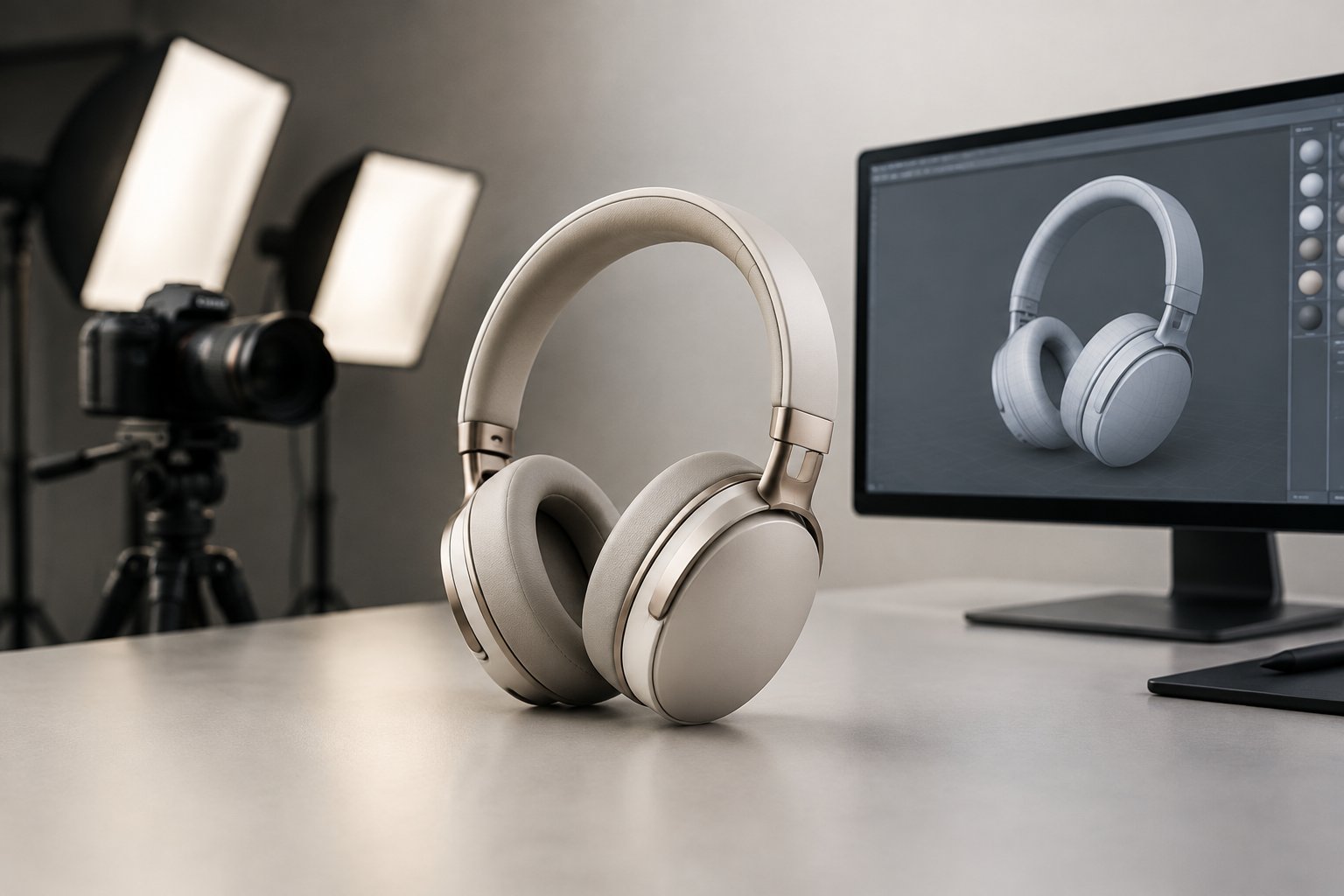
Shoppers buying online can’t pick up a product, turn it over, or check how it looks from the side. That gap is exactly what 360° product views close, and it shows up directly in sales data. Case studies compiled from retailers using rotating image formats report conversion lifts in the 30% to 50% range compared to static images alone, and Adobe-reported data puts the jump as high as 27% for sites that add 360° views over flat photography. For e-commerce sellers watching conversion rates stall despite decent traffic, that’s a meaningful number worth testing.
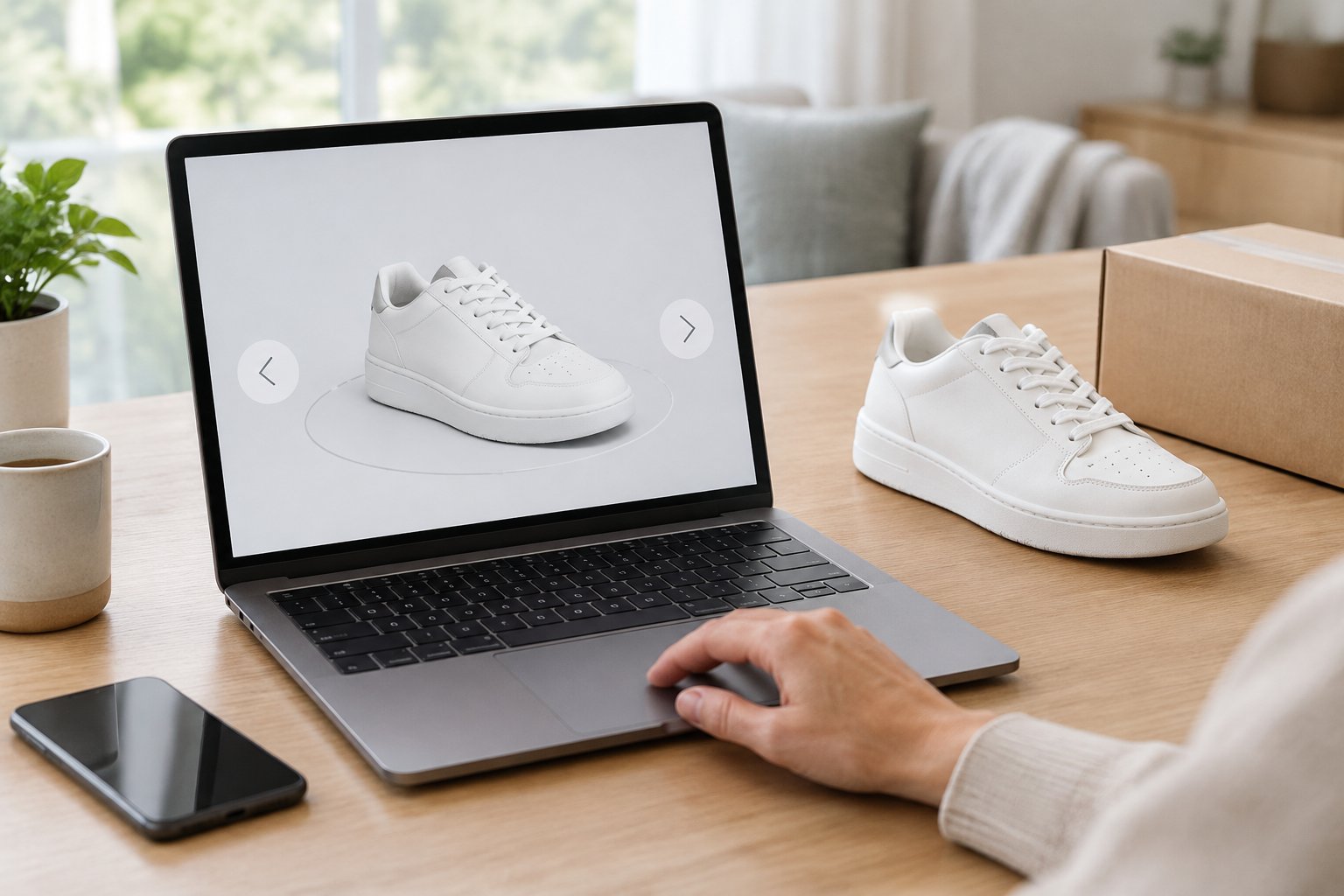
360° product views increase conversions most reliably for products where buyers need to judge shape, texture, or fit before buying, with reported lifts commonly landing between 30% and 50% over static-only listings. The effect isn’t universal across every category, and the production choices behind a spin (frame count, equipment, hosting) determine whether the investment pays off.
Brands weighing whether to add this format to their listings can get a clear read on the trade-offs by looking at how the format performs, what it costs to produce, and which products actually benefit.
If you’re deciding which product visuals are worth the investment, our breakdown of whether 360° spin views actually lift conversions weighs the CRO evidence before you commit.
How Can Interactive Views Influence Purchase Decisions?
A 360-degree product view changes buyer behavior by replacing passive scrolling with active inspection, and that shift in engagement is what drives the conversion gains. Shoppers who rotate a product spend more time on the page, examine more details, and move toward checkout with fewer unanswered questions. Research comparing rotatable images against static ones found that exposure to a rotatable image evoked stronger purchase intention than the same product shown as a fixed photo.

What Does a 360-Degree Product View Let Shoppers Inspect?
A 360 product view lets a shopper see every exterior face of an item: front, back, sides, and the in-between angles that single photos skip. That matters for anything with hardware, seams, closures, ports, or texture that changes depending on the angle. Instead of guessing what the back of a bag looks like, the shopper drags or swipes and sees it directly.
If you’re deciding which product visuals are worth the investment, our breakdown of whether 360° spin views actually lift conversions weighs the CRO evidence before you commit.
Why Can Greater Visual Clarity Build Buyer Confidence?
Buyer confidence rises when the gap between expectation and reality shrinks before the purchase happens. Static photography leaves blind spots that shoppers fill in with assumptions, and assumptions are where disappointment starts. A 360-degree product view removes most of those blind spots, so the customer experience feels closer to handling the item in a store, which is a meaningful part of the psychology of buying that shapes online purchase decisions.
What Does the Conversion Evidence Actually Establish?
The evidence shows a consistent pattern across studies and case data: interactive formats outperform static images, with reported uplifts ranging from roughly 30% on the low end to over 100% when paired with AR or full 3D models. One industry summary table places static image conversion at a 3% baseline, 360 views at 4.5%, and 3D/AR formats at 6%.
These figures come from aggregated case studies and vendor-reported benchmarks rather than controlled, independent testing, so they’re best read as a directional signal, not a guaranteed outcome for every listing. Visual commerce formats also tend to reduce the “item not as expected” returns that hurt profitability even when the sale goes through.
Scaling creative doesn’t mean more shoots—this guide on getting 50 ad variations out of a single product shoot with AI shows how to multiply output from assets you already have.
Which Products and Visual Formats Are Worth Testing?
Some products benefit far more from 360° views than others, and the format that works best depends on the item’s physical complexity and price point. Furniture, beauty products, footwear, and electronics tend to show the strongest gains, while flat or simple items often don’t need the extra production effort.
Where Do Furniture, Beauty Products, and Detailed Goods Benefit Most?
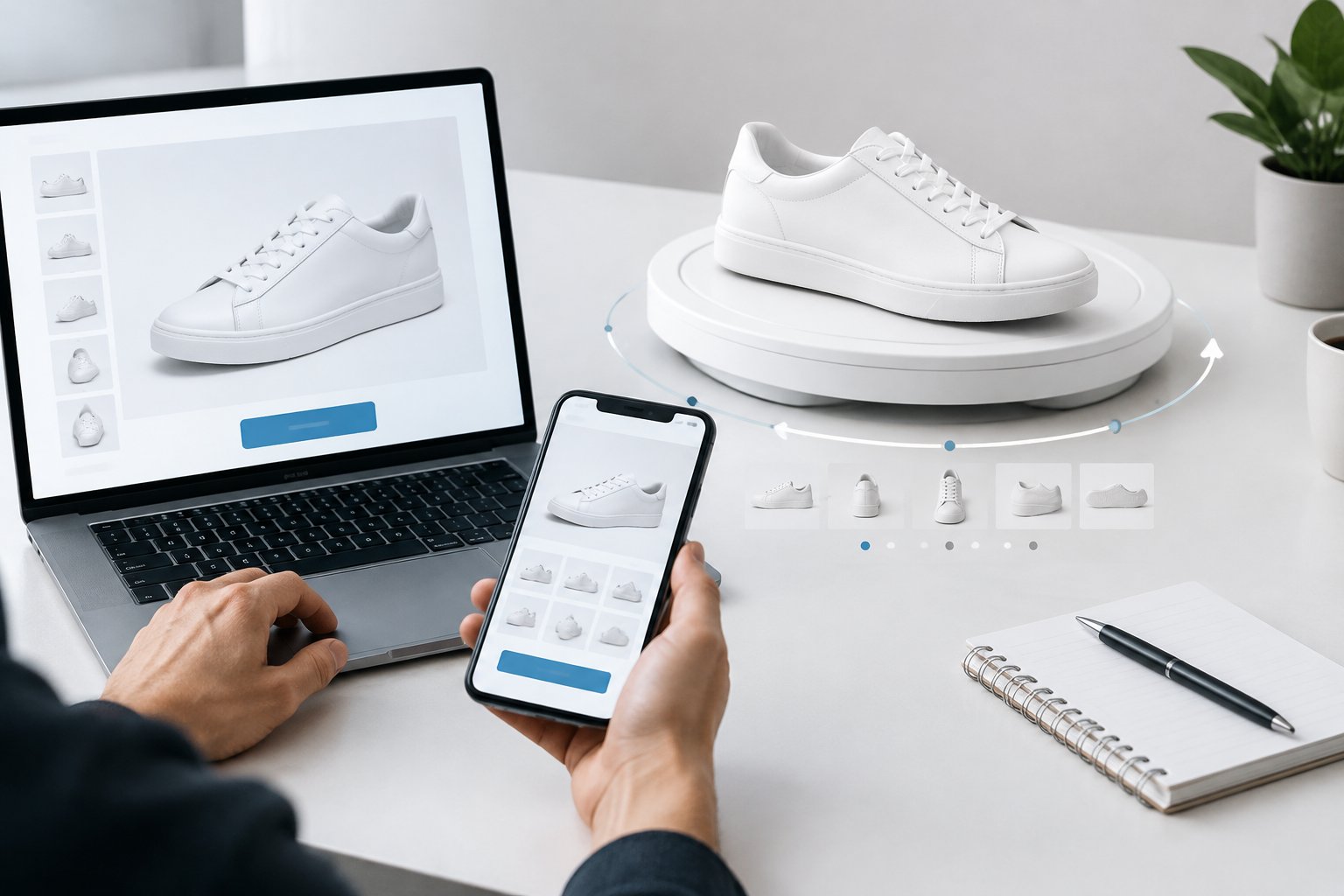
Furniture buyers want to confirm scale, fabric texture, and leg or hardware details before committing to a large purchase, which makes product visualization especially useful for that category. Beauty products benefit from 360 views that show packaging finish, applicator design, and fill level, details that influence perceived quality. Footwear, bags, watches, and electronics round out the list of categories where buyers naturally want to inspect from multiple angles before they commit.
Flat items like wall art, stickers, or single-sided prints see less benefit, since a rotation adds little information a shopper can’t already get from one good photo.
How Do Photo Spins Compare With 3D Models, Video, and Static Images?
Photo-based 360 spins, 3D rendering, and video each serve a different purpose, and choosing between them comes down to what the shopper needs to understand. A 360 spin (typically 24 to 36 photographed frames) shows the real object exactly as it exists. 3D product rendering builds a digital model that can be viewed from any angle, including ones never physically photographed, and supports uses like augmented reality or product configurators. Video works best for demonstrating use or assembly rather than static inspection.
| Format | Best For | Typical Conversion Pattern |
|---|---|---|
| Static images | Simple, flat, or low-cost items | Baseline |
| 360 photo spin | Footwear, bags, electronics, packaging | 30-50% lift over static |
| 3D model / AR | Furniture, configurable goods, try-on categories | 60-150% lift over static |
| Video | Demonstrating use, assembly, or scale | Varies by product and placement |
When Do AR and Product Configurators Add More Value?
Augmented reality and product configurators add the most value when shoppers need to see a product in their own space or in a specific variant before buying. Furniture brands use augmented reality (AR) to let customers preview a sofa in their living room, while apparel and cosmetics brands use similar previews for fit and shade matching. Product configurators let buyers select color, material, or size and see the result rendered instantly, which works well for customizable goods sold through a full product catalog rather than one fixed SKU.
How Are Product Spins Created, and What Drives the Cost?
A 360 spin is built from a sequence of still photos, usually 24 to 36 frames, captured around a product on a turntable and stitched into an interactive viewer. The cost depends more on production complexity (prep time, retouching, and frame count) than on the spin format itself.
What Equipment Does a Reliable Photography Setup Need?
A basic 360 product photography setup needs a camera or smartphone with manual exposure control, a tripod, a turntable, and consistent lighting from two or three positions. A motorized turntable improves consistency over a manually indexed one, since even rotation prevents the flicker or stutter that shows up when increments aren’t equal. Reflective or transparent products need a light tent for diffuse illumination, since glare confuses stitching software. Investing in solid 360 product photography equipment early avoids reshoots later, since inconsistent lighting is the most common cause of a spin that looks unprofessional.
How Do Rendering and Photogrammetry Differ From Turntable Capture?
Turntable capture produces real photographs of the physical product, while photogrammetry and 3D rendering generate a digital model that can simulate angles never physically photographed. Photogrammetry scans the object with specialized equipment and stitches hundreds of images into a 3D mesh, a process suited to high-value or intricate items where dimensional accuracy matters. Rendering builds a model from scratch using design files, which is useful for pre-launch marketing when a physical sample doesn’t exist yet.
Should You Choose DIY, an In-House Studio, or Outsourced Production?
DIY 360 product photography works for small catalogs and sellers willing to spend time on lighting and consistency, since the main cost is labor rather than equipment. An in-house product photography studio makes sense for brands with repeat launches, since a motorized turntable and tethered shooting setup pay off once volume rises. A 360 product photography studio or outsourced service suits premium brands or large catalogs without internal production capacity, and this is where production quality, color correction standards, and turnaround time become the deciding factors between vendors. Brands evaluating outsourced amazon product photography should ask vendors directly what’s included before comparing quotes.
What Should a Production and Software Quote Include?
A complete quote for 360 product photography services should cover prep, color correction, clipping, file naming, web export, revisions, and viewer compatibility, not just the per-frame photography fee. 360 product photography pricing varies by SKU volume, product size, styling needs, and frame count, so a quote that looks cheap upfront can grow once those extras get added separately. Buyers should also confirm whether the quote includes 360 product photography software licensing or hosting, since the viewer that displays the spin on the product page is a separate cost from the photography itself.
How Do You Publish Interactive Views Without Adding Friction?
Publishing a 360 view means choosing a viewer that loads fast, works on mobile, and fits the existing storefront platform. The technical choices here affect page speed and bounce rate as much as the photography itself.
How Do Viewers Integrate With Shopify, WooCommerce, and Magento?
Shopify supports 360 product photography software through third-party apps and theme integrations, while WooCommerce typically uses shortcode or plugin-based tools. Magento and headless commerce setups generally rely on custom embed options built around an html5 viewer like WebRotate 360, which stitches frame sequences into a draggable, responsive display. Amazon handles 360-degree product views natively in its listing gallery, where sellers upload a frame sequence and the platform assembles the viewer automatically, a detail worth factoring into any broader amazon product images guide a brand follows for listing standards.
Which Mobile Controls, Accessibility Features, and Loading Safeguards Matter?
Mobile shoppers need swipe and pinch-zoom controls built into the viewer, since most ecommerce traffic arrives on phones. 360-degree viewers should lazy-load frames and use compressed WebP or JPEG files so the spin doesn’t slow down the full product page. A static fallback image matters for low-bandwidth sessions or browsers that don’t support the interactive viewer, so shoppers always see something useful even if the spin fails to load.
What Must Amazon Sellers Verify Before Planning Deployment?
Amazon sellers should verify that their category supports the native 360 viewer and that frame files meet the platform’s background and format requirements before planning a shoot. Amazon requires a pure white background for main images, and that standard typically extends to spin frames meant to double as standalone listing photos. Sellers running listing tests alongside a new spin should also check how the change interacts with ongoing a b testing strategies on Amazon listings, since adding a new visual format mid-test can muddy results.
How Should You Test Conversion Lift and Profitability?
Testing a 360 viewer against the existing gallery on a subset of traffic is the only reliable way to know whether it earns its production cost for a specific catalog. Engagement metrics alone don’t prove profitability, so the test needs to track sales and returns, not just time on page.
How Do You Run a Randomized Test Against the Existing Gallery?
A clean test splits traffic between the current static gallery and a version with the 360 viewer added, then compares conversion rates over a fixed window. Running the test for at least two to four weeks gives enough volume to separate a real signal from normal day-to-day noise. Keeping every other listing element unchanged during the test (price, title, other images) isolates the viewer as the variable being measured, a method consistent with the a b testing strategies on Amazon listings that sellers already use for other listing changes.
Which Metrics Separate Engagement From Incremental Sales?
Dwell time and customer engagement show whether shoppers interact with the viewer, but conversion rate and units sold are what confirm the format pays for itself. A spin that gets rotated frequently but doesn’t move the needle on add-to-cart or purchase rate isn’t worth the production cost for that SKU. Tracking both numbers side by side prevents mistaking curiosity clicks for genuine purchase intent, a distinction covered in more depth in guidance on measuring ROI for listing and creative changes.
How Do Return Costs and Production Expenses Affect Break-Even?
Lower return rates from better pre-purchase clarity directly offset the cost of producing a 360 spin, since fewer “not as expected” returns mean less reverse logistics expense and higher customer satisfaction. Comparing the production cost per SKU against the margin saved from reduced product returns gives a realistic break-even estimate. For high-return categories like apparel and footwear, the math often favors the spin even before counting the conversion lift itself.
Start With the Products Where Better Visibility Can Pay Off
360° product views earn their cost fastest on items where shoppers already hesitate before buying: furniture, footwear, electronics, and anything with texture or hardware that a flat photo can’t fully show. The conversion gains reported across case studies and research, generally in the 30% to 50% range for photo-based spins, come from one simple mechanism: more visual information means less guessing, and less guessing means stronger buyer confidence at checkout. Testing the format on a handful of high-value or high-return SKUs before rolling it out across a full catalog keeps the investment focused where it has the best chance of paying off.
Frequently Asked Questions
What does a 360-degree product view mean?
A 360-degree product view is an interactive image format that lets shoppers rotate a product on screen to see it from every angle. It’s typically built from 24 to 36 photographs taken around the product on a turntable, then stitched into a viewer the shopper controls by dragging or swiping.
How do you make a 360 view of a product?
Place the product on a motorized or manual turntable, light it consistently from two or three fixed positions, and lock the camera’s exposure, white balance, and focus to manual settings. Capture 24 to 36 evenly spaced frames, edit them together as a batch, then load them into 360-degree viewer software that stitches the sequence into a draggable display.
Do 360 product views work without a 3D model?
Yes, most 360 product views are built from real photographs rather than a 3D model, using a sequence of frames captured on a turntable. A true 3D model is a separate approach used mainly for augmented reality, product configurators, or pre-launch marketing when a physical sample doesn’t exist yet.
Can 360 product views reduce product returns?
Yes, by showing shoppers exactly what they’re buying before checkout, 360 views reduce the mismatch between expectation and reality that drives “item not as expected” returns. This effect tends to be strongest in categories like footwear, apparel, and electronics, where appearance and fit heavily influence purchase satisfaction.
How long should you test a 360 product viewer before judging results?
Running a test for two to four weeks usually provides enough traffic and sales volume to judge results with confidence. Shorter windows risk mistaking normal day-to-day fluctuation for a real conversion lift or decline.