
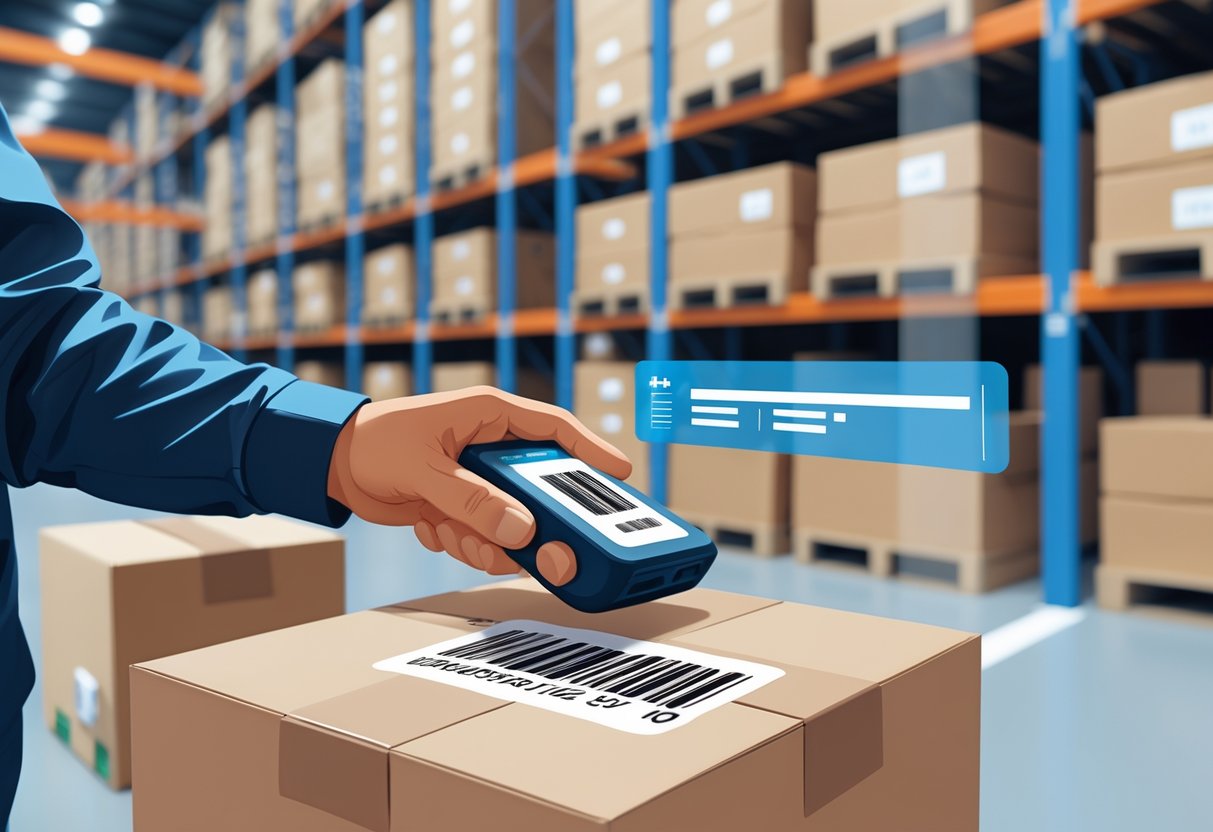
An LPN (License Plate Number) on Amazon is a unique identifier Amazon assigns to a unit or case of inventory when it arrives at a fulfillment center, used to track that specific item through the warehouse. It appears as a barcode label typically starting with “LPN” followed by a string of letters and numbers and lets Amazon trace an item’s location, condition, and movement within its logistics network. LPNs are most often seen on returned, liquidated, or warehouse-deal items.
Key facts about Amazon LPN numbers:
- What it stands for: License Plate Number
- Purpose: tracks an individual unit or case through Amazon’s fulfillment centers
- Format: a barcode label beginning with “LPN” plus a unique alphanumeric code
- Where you’ll see it: returns, liquidation pallets, and Amazon Warehouse (open box/used) items
- Who uses it: Amazon’s internal logistics, plus resellers sourcing returned or liquidated stock
In short: an LPN is Amazon’s internal “license plate” for a piece of inventory it identifies and tracks one specific unit inside the warehouse, rather than identifying the product type the way an ASIN or FNSKU does.
When you manage inventory or returns on Amazon, you may notice a code labeled “LPN” on packages or product listings. This isn’t just a random string of letters and numbers. An LPN number on Amazon is a unique tracking code used in fulfillment centers to identify, trace, and manage individual inventory items, especially during returns or quality control.
You interact with LPN numbers more often than you might realize, whether you handle Fulfillment by Amazon (FBA) shipments or inspect returned goods. Each label helps Amazon track an item’s journey through its massive logistics network, ensuring accuracy and efficient handling across every step.
Understanding how this system works gives you an advantage when managing listings, processing returns, or analyzing reports in your seller account. Once you know what an LPN number does, you can prevent common inventory errors and improve how you manage your business on Amazon.
Key Takeaways
- LPN numbers assign unique identifiers to products in Amazon’s warehouses.
- They help track items through storage, shipping, and returns workflows.
- Knowing how LPNs work improves accuracy and efficiency in your operations.
Defining LPN Number on Amazon
An LPN number helps you trace and manage individual units across Amazon’s fulfillment process. It connects an item to its specific data within Amazon’s logistics system, improving tracking accuracy and warehouse efficiency.
What Does LPN Stand For?
LPN stands for License Plate Number. In Amazon’s fulfillment network, the LPN is a unique code or ID assigned to a physical item, much like a vehicle license plate identifies a car. You can usually find the LPN barcode printed on labels attached to each unit, especially when items are returned, repackaged, or redistributed.
These codes exist for internal tracking within fulfillment centers. Unlike consumer-facing identifiers such as ASINs, you won’t see or use LPNs when listing or buying products. Instead, Amazon warehouse employees scan LPN labels to match a single item to its precise record in the inventory system. Each label helps prevent mistakes when processing large volumes of packages or resolving order issues.
An Amazon LPN number usually follows a format of letters and digits (for example, LPN1234X0000001). This structure ensures that no two items share the same identifier within the network.
Read about An Amazon Store That Sells the Brand, Not Just the ASIN
LPN Number vs FNSKU
Amazon uses several types of identifiers, but the difference between LPN numbers and FNSKUs is key to understanding how the system works. The FNSKU (Fulfillment Network Stock Keeping Unit) links a product to your seller account, helping Amazon assign sales and returns to the right seller. The LPN number, by contrast, applies to an individual physical item in the fulfillment process.
You apply FNSKU stickers to inventory you send to Amazon so your account receives credit for those sales. Once items enter Amazon’s control, the LPN code tracks what happens to each unit—whether it is returned, inspected, or repackaged. Amazon may relabel returned items with LPN barcodes to maintain traceability.
| Identifier | Purpose | Visibility | Typical Use |
|---|---|---|---|
| LPN | Tracks a specific physical item | Internal to Amazon | Returns, repackaging, warehouse operations |
| FNSKU | Identifies seller-linked inventory | Seller and Amazon | Shipment and stock attribution |
Common Uses of LPN Numbers
You’ll encounter LPN numbers most often when dealing with Amazon returns, warehouse operations, or repackaged inventory. When an item is sent back by a customer, Amazon attaches a new LPN label to mark that specific unit. This helps the system log condition, movement, and restocking or disposal decisions.
In fulfillment centers, workers scan LPN barcodes to ensure accuracy during sorting, quality checks, or removal orders. Each scan confirms an item’s identity and location in Amazon’s large logistics network. This reduces mix‑ups between units with the same ASIN or FNSKU.
Some sellers notice returned inventory with LPN labels and question ownership or resale eligibility. You do not need to remove or replace them—they are mainly for Amazon’s internal control. Knowing how these numbers function can help you better interpret your inventory reports and understand why a returned product includes an Amazon LPN sticker.
Role of LPN Numbers in Amazon FBA and Fulfillment
Each product inside an Amazon fulfillment center carries unique tracking identifiers that connect items to orders, locations, and inventory systems. These identifiers, called LPNs, enable you to maintain control of inventory flow, streamline order fulfillment, and handle FBA customer returns more accurately.
Check out what’s included in [Prime Video streaming plans].
How LPN Numbers Support Inventory Management
License Plate Numbers (LPNs) act as digital tags that link every physical unit to your account and product data. Instead of tracking items by product name or SKU alone, the Amazon FBA LPN gives a unique ID to each individual unit. This helps prevent mix-ups between identical listings or bundled products.
You use LPN data to track items as they move between storage bins, picking stations, and packing areas. Because each LPN records location and ownership, it improves traceability and reduces loss across the supply chain. According to Amazon Operations, the LPN integrates with scanners and warehouse systems to locate products instantly.
The result is faster cycle counts and fewer manual checks. You can identify misplaced or damaged items using automated reports rather than searching aisles. This makes inventory management more predictable and reduces the time spent reconciling quantities. Read more about How to Start a Shopify Business: Step-by-Step Guide to Success.
LPN Numbers in the Fulfillment Process
Every step of the fulfillment process depends on accuracy and speed. When you use Fulfillment by Amazon (FBA), LPNs ensure that each unit is scanned at receiving, storage, picking, and shipping. Scanners read the LPN, update location data, and verify the correct item before it leaves the shelf.
If your product enters Fulfillment by Seller (FBM) or third-party logistics centers, the use of LPN identifiers achieves the same result—better visibility of stock and order flow. Research comparing FBA and FBM methods emphasizes that accurate identifiers and tracking systems improve seller efficiency within order fulfillment networks (FBA vs FBM; a strategic approach).
Using LPNs helps you maintain compliance with Amazon performance targets by reducing fulfillment delays and shipment errors. It also supports real-time analytics for tracking processing times and inventory turnover.
Impact on Returned Items and Restocking
Returned goods present one of the most complex challenges for FBA sellers. Each returned item receives or maintains its LPN, allowing warehouse teams to confirm which ASIN, buyer, and order it relates to. This is critical for identifying whether the item can return to inventory or needs disposal.
When your item arrives at the fulfillment center, the system uses its LPN record to match it with your inventory file. This process limits cases of misplaced or misclassified goods. Studies on Amazon warehouse operations note that when associates handle units with clear LPN tracking, such as avoiding overlapping LPN labels, product accuracy improves (Warehouse Damage Reduction).
Because restocking relies on verified condition data, the LPN ensures that only approved goods re-enter active listings. You can review product history through the LPN record, making your restocking and returns management traceable and consistent across multiple fulfillment centers.
Connect to Smith Dray Line for International Moving Services
Amazon LPN Labels, Barcodes, and Stickers
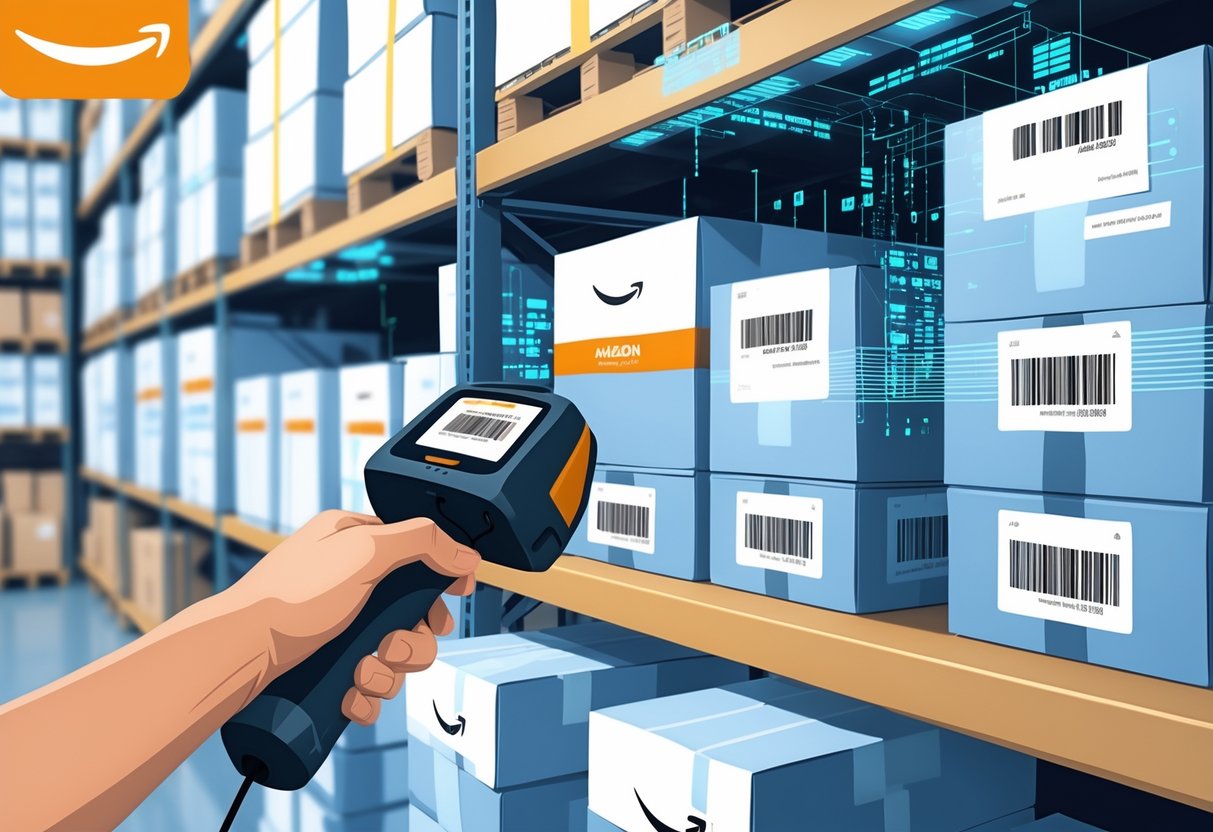
Amazon uses LPN labels to track and identify inventory during sorting, shipping, and returns. Each label connects an item to your fulfillment data, ensuring that inventory scans accurately and product movement stays visible across Amazon’s systems. Understanding how these labels look, where to place them, and how to handle them helps prevent delays and misplacements in your workflow.
Appearance and Placement of LPN Labels
An Amazon LPN label (License Plate Number label) is a small rectangular sticker printed with both a barcode and a human-readable number. The barcode allows scanners to identify products instantly, while the visible number lets you confirm information manually if needed. Labels are usually printed on standard thermal or paper stock.
You’ll find these labels most often on inbound and return packages within Amazon fulfillment centers. The label placement matters—Amazon’s automated process depends on scanners reading the barcode cleanly. Place the LPN label on a flat surface, away from edges, seams, or folds. Avoid covering other identifiers like the FNSKU or manufacturer barcode.
Amazon’s packaging and robotics systems rely on these barcodes to sort and track items efficiently, similar to how warehouse automation systems are described in this study on smart warehouses. When labels are unscannable or misplaced, human intervention becomes necessary, slowing operations.
LPN Barcode vs LPN Sticker
The terms LPN barcode and LPN sticker often refer to the same thing, but you’ll encounter subtle differences in usage. The barcode is the encoded digital form that scanners read, while the sticker is the physical medium that carries it. You can think of the barcode as the data and the sticker as the delivery tool.
LPN barcodes help Amazon link a specific item to its unique tracking profile. Every scan records the item’s location, movement, or return status. Stickers are typically applied during inbound processing or returns handling. Once attached, the sticker ensures any future scan links to the correct LPN record.
In logistics environments using lean methods, such labeling systems enable faster sorting and fewer manual handling steps. Similar barcode-driven workflows appear in medical and industrial settings where label accuracy supports high-volume tracking.
Best Practices for LPN Sticker Use
Handle your LPN stickers carefully to maintain accurate scanning performance. Print them with high contrast, using black ink on a white background. Avoid wrinkles, smudges, or fading, since scanners require clean lines to capture the code properly.
When applying the lpn number sticker, make sure it fully adheres and lies flat. Do not reuse or overlap labels—an old barcode can confuse scanners and result in tracking errors. Before shipping to Amazon, cross-check that every package or unit has one clear and scannable LPN label.
Keep replacement rolls of lpn stickers in a controlled environment to prevent heat or moisture damage. Regularly review your labeling workflow to stay aligned with Amazon packaging requirements as described in Amazon’s private label business guide. By maintaining proper label quality and consistency, you help ensure seamless movement through fulfillment systems.
Amazon LPN Numbers in Returns and Seller Reports
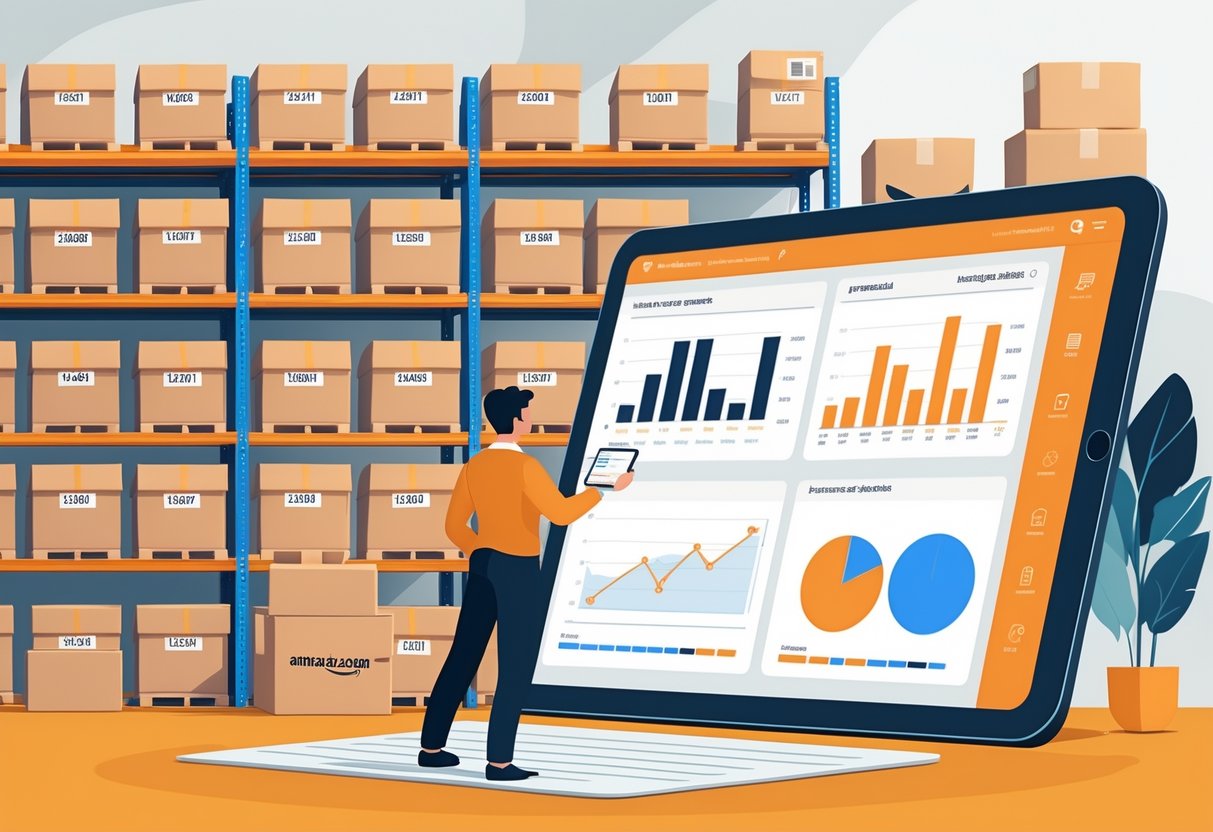
Each item in Amazon’s fulfillment network carries a License Plate Number (LPN) tag that tracks it through shipments, returns, and warehouse operations. You can use these identifiers to trace the path of each returned product, link it to quality issues, and locate detailed records in your Seller Central reports.
Tracking Returns with LPN Numbers
When a customer initiates a return, Amazon uses the item’s LPN to connect the returned unit with its original shipment. Each returned item scans into the Fulfillment Center using its LPN, helping track whether it is restockable, damaged, or unsellable.
Through this process, you can identify the specific order and fulfillment batch where the item came from. This helps Amazon sellers verify whether the returned product matches your inventory and if a reseller listing had the same barcode.
In FBA return situations, Amazon automatically logs the LPN in its internal system. This data helps confirm whether the return was completed and whether any product handling issues occurred in the warehouse operations. Some reports, such as the “FBA Customer Returns Report,” include related reference IDs linked to the LPN, allowing you to confirm product condition and disposition.
Finding LPN Numbers in Return Reports
You can find LPN-related information in the Return Reports within your Seller Central dashboard. In Amazon’s system, each returned order may include a tracking ID, return authorization number, and LPN reference. These fields appear in downloadable versions of the report such as the “FBA Returns” or “Manage Returns” pages.
The LPN connects to what Amazon refers to as “unit-level details.” That means if multiple identical items were sold, the LPN tells you exactly which one came back. Reviewing this data allows you to compare customer feedback with the physical item received.
In practice, understanding the fields and codes helps you verify your customer returns records. For example, the academic case study Neons Fashion LLP (A) describes how small sellers can interpret return data in Amazon reports to track specific customer disputes and outcomes (Neons Fashion LLP (A): A Small Seller on the Amazon Marketplace).
Using LPN Data for Product Quality Improvements
LPN tracking supports your quality control by providing concrete unit-level data. If you see repeated returns on certain LPNs, it signals that those units may have production, packaging, or shipping flaws.
You can create a return analysis table like the one below to track patterns:
| LPN | Return Reason | Item Condition | Action Taken |
|---|---|---|---|
| A1234567 | Damaged on arrival | Unsellable | Investigated packaging |
| A1234599 | Defective feature | Unsellable | Reported to manufacturer |
| A1234625 | Customer remorse | Sellable | Restocked |
By analyzing such reports, you discover which products need design or supplier adjustments. Cross-referencing LPN patterns with shipment batches also helps you improve upstream processes in production or logistics.
Accessing LPN-Related Information in Seller Central
You access and monitor LPN data in Amazon Seller Central’s reporting tools. The “FBA Inventory Adjustments” and “Customer Returns” reports are the main locations that contain item-level tracking information.
To locate this data:
- Sign in to Seller Central.
- Open Reports > Fulfillment > Customer Returns.
- Download the file and check the “Returned Quantity” and “Return Condition” columns.
- If you use custom integrations, include LPN in your database exports.
You may also find guidance in operational studies related to Amazon’s fulfillment centers, which describe how service-level data connects to reduction in process delays (Characterizing and improving the service level agreement at Amazon). Understanding how these systems operate helps you interpret LPN data more effectively when managing your returns workflow and product handling decisions.
Benefits and Challenges of Using LPN Numbers
Using License Plate Numbers (LPNs) in Amazon’s logistics and fulfillment systems helps you track individual units efficiently, reduce handling errors, and improve storage accuracy. At the same time, it introduces data management and labeling complexities that require clear procedures and consistent oversight.
Advantages for Sellers and Warehouses
When you use LPN numbers, each stored or shipped item has a unique identifier. This helps warehouses organize shelves, track movements, and locate products faster. It reduces confusion during picking and packing, which can maintain product quality by preventing mix-ups or damage from repeated handling.
LPN tracking also benefits sellers using fulfillment centers. It automatically links product data to inventory records, making returns and replacements faster. For example, in operations supported by cloud services like Amazon Web Services, automation helps manage large datasets and reduces manual errors.
A well-managed LPN system helps optimize warehouse space. You can assign, relocate, or remove products efficiently. This streamlined flow saves labor time and supports accurate order performance metrics.
Potential Issues with LPN Numbers
LPN systems rely heavily on proper setup and maintenance. If an LPN tag is missing, misprinted, or scanned incorrectly, you risk losing track of inventory. That can delay order fulfillment or create mismatched product records.
In larger operations, scaling LPN use adds complexity. When volumes grow, managing label consistency across multiple facilities can become harder. Errors in one batch may lead to widespread data corrections or shipment delays.
Human error also plays a role. Staff must understand how to scan, replace, and verify labels correctly. Without clear training and technology checks, even small mistakes can affect your inventory accuracy and overall efficiency.
Tips for Effective LPN Management
To manage LPNs effectively, start with standardized label formats and ensure scanners read all barcodes quickly and accurately. Keep printed labels resistant to moisture and wear so they stay useful through the full warehouse process.
Create clear inventory control procedures. You can combine tracking systems from call centers or fulfillment operations, such as those described in Amazon Connect operational frameworks, to integrate data from multiple platforms.
Use regular quality checks to confirm that each LPN matches the correct SKU and physical product. Track common labeling issues in a simple table or weekly report. This practice helps you spot recurring problems early and maintain consistent product quality.
Connect to Smith Dray Line for Residential Moving Services
Frequently Asked Questions
Each product handled by Amazon may have a Label Product Number (LPN) that helps track it through the fulfillment process. You use these codes to keep your inventory organized, identify returned items, and maintain efficient warehouse operations.
How can I locate the LPN number for a product in my Amazon inventory?
You can usually find the LPN on the product’s labeling sticker applied by Amazon during intake at the fulfillment center. Check near the barcode or FNSKU label—it appears as a small code starting with “LPN.” If you use Amazon EC2 for lab work, note that these numbers are linked in your seller dashboard under the corresponding SKU.
What is the purpose of an LPN number when selling on Amazon?
Amazon assigns an LPN to each unit it receives for tracking and auditing. The number ensures the correct item links to your seller account and inventory records. It also prevents mix-ups between similar items stored together in fulfillment warehouses, as explained by research on how questions and answers shape online marketplaces.
In what circumstances is an LPN number required for Amazon returns?
An LPN is required when processing returns handled by Amazon’s logistics system. It helps staff identify and verify that the returned product matches the one originally shipped. Without it, the return process can take longer because the item may need manual inspection and barcode reassignment.
What should I do if my item’s LPN number is not scanning correctly?
First, check for smudges, tears, or faded ink. If physical damage is visible, clean or smooth the label as needed. Should the scan still fail, report the issue through Seller Central so Amazon can reissue or relabel the affected unit within its system.
Can I relabel my product if the LPN number is damaged or unreadable?
You should not print your own replacement LPN labels, as these numbers are system-generated by Amazon. Instead, submit a case requesting Amazon to relabel the units for you. This approach ensures the updated barcode remains linked to your product’s internal record, avoiding misidentification during fulfillment.
How does Amazon use LPN numbers to track inventory in their fulfillment centers?
Amazon’s inventory management system uses each LPN as a unique identifier for scanning and routing products throughout the warehouse.
The code links every movement arrival, storage, packing, or return to digital records, improving location accuracy and minimizing human error. Details about data tracking and performance within Amazon facilities appear in studies like The impact of online Q&As on product sales, which highlight how structured identifiers support operational efficiency.