
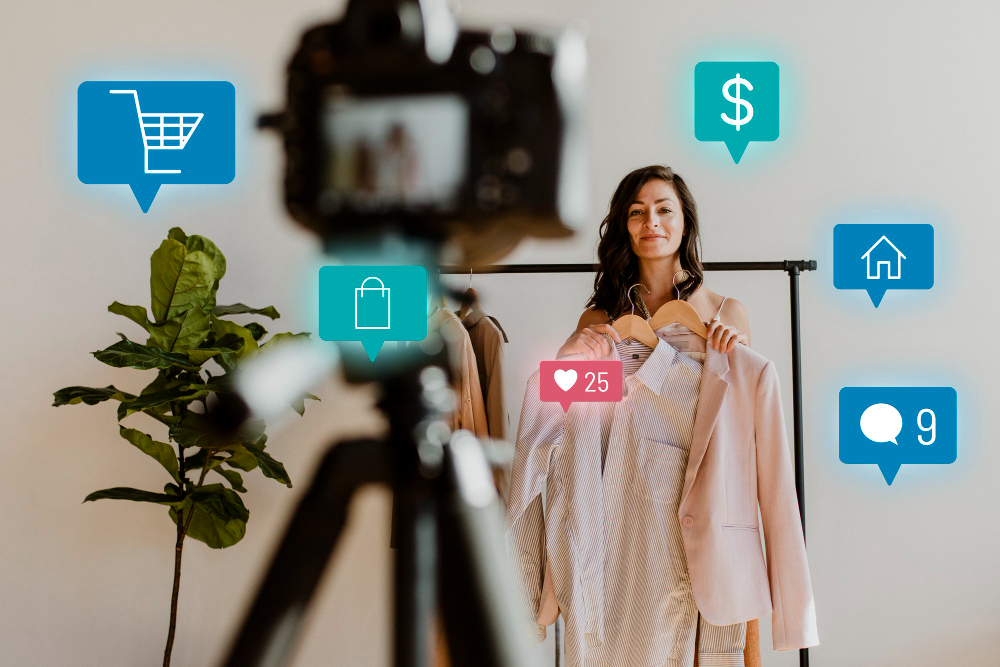
Ecommerce brands that want to show up on five platforms a week face a real staffing problem. Writing, designing, and editing video for each channel by hand takes a team most brands can’t afford. AI social media content creation solves this by turning one product asset, like a launch photo or demo video, into a full set of platform-ready posts that a small team can review and publish in a single afternoon.
The work still needs a person checking every post before it goes live. AI drafts captions, resizes images, and cuts video clips fast, but a brand’s voice, product claims, and customer trust depend on someone reading the output first. At Signalytics, we build these systems for Amazon and ecommerce brands every week, pairing AI tools with the kind of human review that keeps a listing’s advertising, creative, and social presence working together instead of pulling in different directions.

This matters most around a product launch, when a brand has one strong asset and needs it to carry weeks of content across every channel buyers use.
How to Produce AI Social Media Content at Scale From One Product Launch
A single product launch asset, like hero photography, a demo video, or early customer reviews, can supply weeks of posts when it’s run through a clear ai content system instead of handled post by post. The steps below cover choosing the right source material, mapping it to content pillars on a calendar, and writing one brief that AI can adapt for each channel.
Choose a Source Asset and Define the Campaign Goal
Start with the asset that holds the most information: a product demo video, a founder story, or a detailed listing page usually works better than a single photo. Before any ai content creation begins, write down the one goal for the launch, whether that’s awareness, traffic to the product page, or early reviews. The goal decides which platforms and formats get priority, so skipping this step leads to content that looks busy but doesn’t move the number that matters.
Turn Product Insights Into Content Pillars and a Calendar
Break the source asset into three or four content pillars, such as product education, customer proof, behind-the-scenes production, and offers. Each pillar becomes a recurring theme on the content calendar, which keeps content planning organized instead of improvised day to day. A launch typically fills two to four weeks of posts once the pillars are mapped against a posting cadence for each platform.
Create a Reusable Brief for Each Audience and Channel
Write one brief per audience segment that lists the product details, the target buyer, and the goal of the post. This brief becomes the input for every AI draft, so the social media strategy stays consistent even as the specific captions and visuals change. Brands selling on Amazon can pull directly from listing copy and keyword research already built for the product, which keeps messaging aligned with what shoppers see on the product listing itself.
Build a Workflow That Keeps Production Moving
A repeatable social media content workflow moves posts from draft to published without bottlenecking on one person. The stages below cover drafting with AI, locking in brand voice rules first, and building in a human checkpoint before anything goes live.
Draft Captions, Hooks, and Scripts From Approved Product Information
Feed the brief from the launch asset into an AI tool to draft social media captions, hooks for short-form video scripts, and a few headline variations. Good prompt engineering means giving the AI the product details, the audience, the platform, and the call to action, not just a vague request to “write a caption.” Ai content generation works best as a first draft machine, producing five or six options a writer can choose from and tighten in minutes instead of starting from a blank page.
Set Brand Voice Rules Before Generating Variations
Write down the brand’s tone, the words it avoids, and two or three example posts that already sound right before generating anything new. Without this step, brand voice consistency breaks down fast once volume increases, and posts start sounding like generic AI output instead of the brand. This document becomes the reference for every writer and every AI prompt going forward, so a new team member or a new tool produces the same voice.
Assign Human Review and Approval Before Publishing
Every AI-assisted post needs a named reviewer who checks facts, product claims, and tone before it’s scheduled. Human oversight catches the small errors AI tends to make, like a wrong price, an outdated claim, or a tone that misses the moment. Human editing at this stage takes a few minutes per post and is the difference between content that builds trust and content that quietly damages it.
Adapt Creative for Each Platform Instead of Reposting It
Posting the same image and caption everywhere wastes the reach each platform could otherwise generate, because audiences on LinkedIn, TikTok, and Instagram expect different formats and different tones. The subsections below cover matching message to platform, producing visuals and video with a creative director’s input, and scheduling the finished assets.
Match the Message to LinkedIn, Instagram, TikTok, and Facebook
LinkedIn rewards thought leadership and data-driven takeaways, so a product launch post there should focus on the business problem the product solves. Instagram favors strong imagery with a short, emotional caption, while TikTok and YouTube Shorts need a hook in the first two seconds and a casual, entertaining tone. Facebook sits between the two, often working best with a mix of product proof and community-style posts, and X (Twitter) rewards a sharp, single point made in a short thread.
| Platform | Best Format | Tone |
|---|---|---|
| Carousel, text post | Professional, insight-driven | |
| Image + caption, Reels | Visual, emotional | |
| TikTok | Short-form video | Casual, fast hook |
| Mixed image/video | Community, proof-driven | |
| X (Twitter) | Short thread | Direct, opinionated |
Develop Images and Short-Form Video With Human Creative Direction
AI image generation and an ai video generator can produce a strong starting point for product shots, but a creative director still needs to choose the right output and refine it. Tools can also act as an ai video editor, trimming a long demo into several short clips for Reels, TikTok, and YouTube Shorts. At Signalytics, our in-house creative studio pairs AI image and video generation with human art direction, which keeps the output looking like a brand’s own creative rather than a stock AI aesthetic. See our AI creative services →
Schedule Approved Assets Across Channels
Once content clears review, schedule it through a multi-platform publishing tool so each post goes out at the right time for that platform’s audience. Batching a week or two of approved content at once keeps the team from publishing reactively every single day. This step also makes it easier to track which posts are part of the same launch when results come in later.
Measure Whether More Content Improves Ecommerce Results
More posts only matter if they move a business metric, so measurement has to connect social activity back to product pages and sales. The steps below cover testing formats against a baseline, tracking the path from a post to a conversion, and using those findings in the next production cycle.
Test Hooks, Formats, and Creative Against a Clear Baseline
Run a/b testing on hooks, thumbnails, and captions against the brand’s typical performance before declaring a new format a win. A baseline might be average engagement rate or click-through rate over the past month, and any new format should be compared against that number specifically. Testing two or three variations at a time gives cleaner signal than testing five at once.
Connect Social Engagement to Product Pages and Conversion
Track how social traffic behaves once it reaches a product page, not just likes and shares on the post itself. For Amazon sellers, this often means watching sessions and conversion rate tied to a specific campaign link, which shows whether audience growth on social is translating into actual buyers. A post that drives a lot of comments but no clicks to the product listing isn’t doing the job a launch needs.
Use Performance Findings to Guide the Next Production Cycle
Feed the results from each cycle back into the content calendar before planning the next batch of posts. If hyper-personalization by audience segment is outperforming generic posts, that becomes the new default rather than a one-off experiment. Watching broader social media trends alongside a brand’s own data keeps the ai marketing approach responsive instead of locked into last quarter’s playbook.
Scale the System, Not Just the Post Count
Scaling social media content creation means building a repeatable system, not publishing more posts for the sake of volume. Ai-powered content creation lets a small team cover five or six platforms, but only if the brief, the brand voice rules, and the review step stay in place as output increases. Brands that skip those guardrails end up with more content that performs worse, because audiences notice when posts feel generic or inconsistent.
The brands that handle this well treat AI as the first draft and the production engine, while a person still decides what’s good enough to publish. Social media content creation built this way holds up over months of launches, not just one campaign.
Frequently Asked Questions
How can an ecommerce brand use AI to create social media content?
An ecommerce brand can feed product photos, launch videos, or listing copy into an AI tool to draft captions, image concepts, and short video scripts for each platform. The brand should still review every draft for accuracy and tone before publishing. This approach turns one product asset into weeks of platform-specific content instead of starting from scratch for each post.
What should humans review before publishing AI-generated posts?
A reviewer should check product claims, pricing, and any factual details for accuracy before a post goes live. They should also confirm the tone matches the brand voice document and that the call to action is clear. This review step typically takes a few minutes per post and prevents small errors from reaching customers.
How do you automate social media posts without losing brand voice?
Write a brand voice document with tone rules, banned phrases, and a few example posts before generating any AI content. Use that document as the reference for every prompt and every reviewer, so output stays consistent even as volume increases. Scheduling tools can automate the publishing step, but the voice itself depends on the guardrails set before generation.
Can one product launch supply content for multiple platforms?
One strong launch asset, like a demo video or hero photo set, can typically supply two to four weeks of posts across several platforms when broken into content pillars. Each platform needs its own format and tone adjustment rather than an identical repost. A clear content calendar helps spread that material out without repeating the same post everywhere.
Are free AI tools enough to produce social content at scale?
Free AI tools can draft captions and basic images, which works for small volume or early testing. Brands producing content across several platforms every week usually need a workflow that combines AI drafting with human creative direction and a review step, since quality and brand consistency tend to suffer without that oversight. Pairing AI with a creative team, like the AI and human studio at Signalytics, keeps output looking professional as volume grows. See our AI creative services →