

Large product catalogs eat creative budgets fast. Every new color, every seasonal refresh, every marketplace format tends to mean another photo shoot, another studio fee, another week of waiting on samples. A single reusable 3D model changes that math because one accurate digital file can generate images, videos, and interactive content for years without a new production cycle.
3D product models cut creative production costs by replacing repeat photography with digital re-renders, so a brand pays once for an accurate model and then reuses it across listings, ads, and catalogs at a fraction of the cost of a new shoot.
This matters most for brands with large catalogs, frequent color or finish variants, or products that need to appear across many channels at once. The rest of this guide breaks down where the savings come from, how to run the numbers before committing, and when traditional photography still makes more sense.
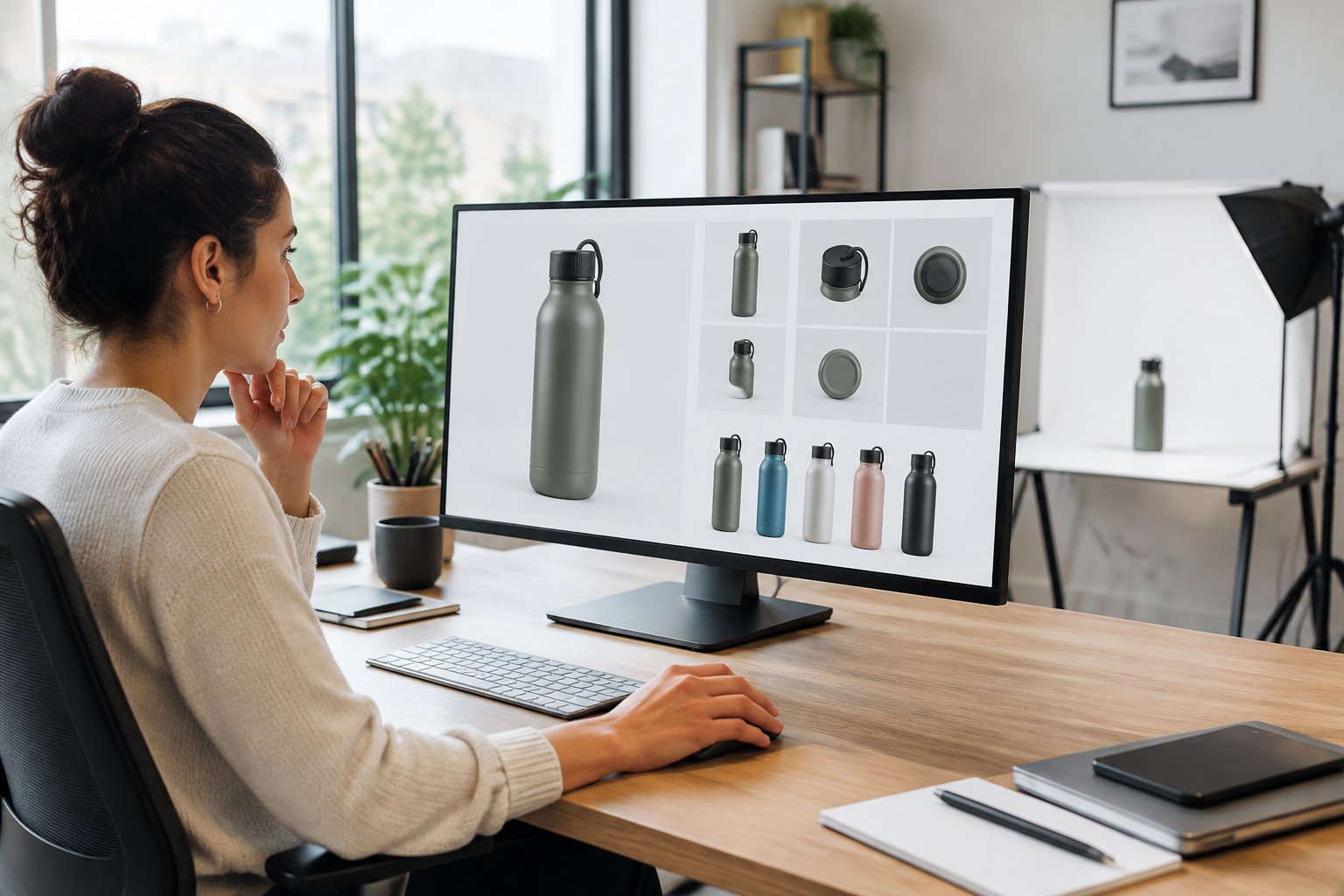
Brands weighing this shift often start with a smaller question: is 3D product rendering actually cheaper than studio photography for their specific catalog, or is it a sunk cost that never pays off? The answer depends on how many times each asset gets reused, which is exactly what the next sections walk through.
Where Does a Reusable 3D Model Save Money?
A reusable 3D model saves money by turning every future asset into a re-render instead of a new production run. Once the geometry, materials, and proportions are approved, the model becomes a digital asset that supports product rendering across formats without repeating the setup costs that photography requires each time.
Replace Repeat Shoot Logistics with Digital Scene Changes
Photography logistics compound fast: studio time, equipment rental, travel, and crew coordination all repeat with every shoot. A 3D visualization workflow swaps a studio booking for a scene file, so a new background or lighting setup is a software change, not a new invoice.
Create New Angles and Finishes Without Rebuilding Every Asset
Once a 3D product modeling file exists, new colors, finishes, or camera angles come from adjusting materials and camera positions rather than rebuilding the product from scratch. A single accurate model can be rendered from any angle, in any color or setting, so a new variant becomes a re-render instead of a new shoot.
This is the same principle IKEA leaned on years ago, when a large share of its catalog imagery moved to computer-generated production instead of traditional photography.
A great creative is worthless if it gets rejected—our checklist on how to design ads that pass Meta and TikTok review the first time covers the common triggers and how to avoid them.
Reduce Duplicated Work Across Listings, Ads, and Catalogs
The same 3D assets can feed Amazon listings, paid ad creative, and print catalogs from one source file, cutting the duplicated design work that happens when each channel gets its own photo shoot. Teams managing amazon product images across multiple formats often find this consistency is what keeps a product looking identical on every channel, with no drift between one shoot’s lighting and the next.
Attention is the first thing every ad has to earn—our breakdown of what makes a scroll-stopping product ad creative covers the traits that stop the scroll and pull the click.
Which Creative Assets Can One Product Model Support?
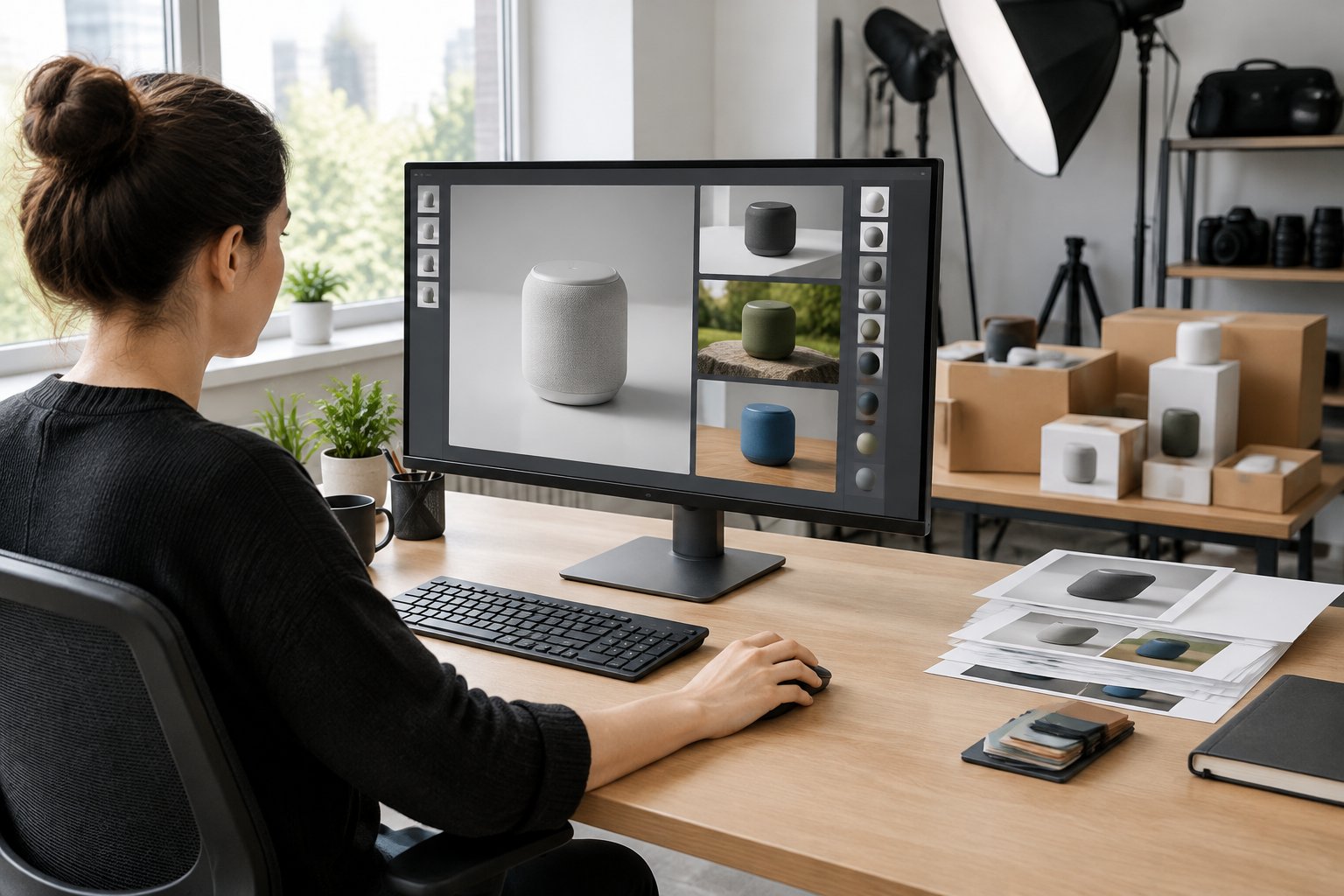
One well-built 3D model can support static listing images, lifestyle scenes, product videos, and interactive experiences, all from the same underlying file. This is the core efficiency argument for 3D product modeling: the modeling cost is paid once, and each additional output costs only the rendering and scene-building time.
Listing Images, Lifestyle Scenes, and Product Detail Views
A single model produces clean white-background packshots for marketplace listings alongside styled lifestyle scenes for ads, without separate shoots for each. Product renders can also zoom into close-up detail views that would require macro lenses and extra setup time in a traditional shoot. Brands refreshing their amazon a plus content design frequently rely on this flexibility to show multiple angles and use cases on one product page.
Product Videos, Exploded Views, and Animated Demonstrations
3D animation turns the same model into product videos, exploded-view breakdowns, and assembly demonstrations that flat photography cannot produce. Exploded views and internal-mechanism animations work well for technical products like appliances or mechanical hardware, where showing how parts fit together adds real buyer confidence. These animated assets pair naturally with broader tips amazon product video optimization work, since the underlying model can drive both the hero video and shorter social cuts.
Interactive Experiences That Require Additional Optimization
Interactive 3D content, including 3D product configurators, AR previews, and virtual try-on, needs extra optimization work beyond a standard render. Shoppers who view a product in augmented reality are notably more likely to buy, and those who interact with a 3D model are more likely to add it to their cart, but building AR-ready files and configurator logic adds development time that a static render does not require.
Length is a lever most advertisers set by habit, not data—our video ad length guide for what converts on Meta, TikTok, and YouTube gives the recommended durations by placement.
How Do You Calculate the Break-Even Point?
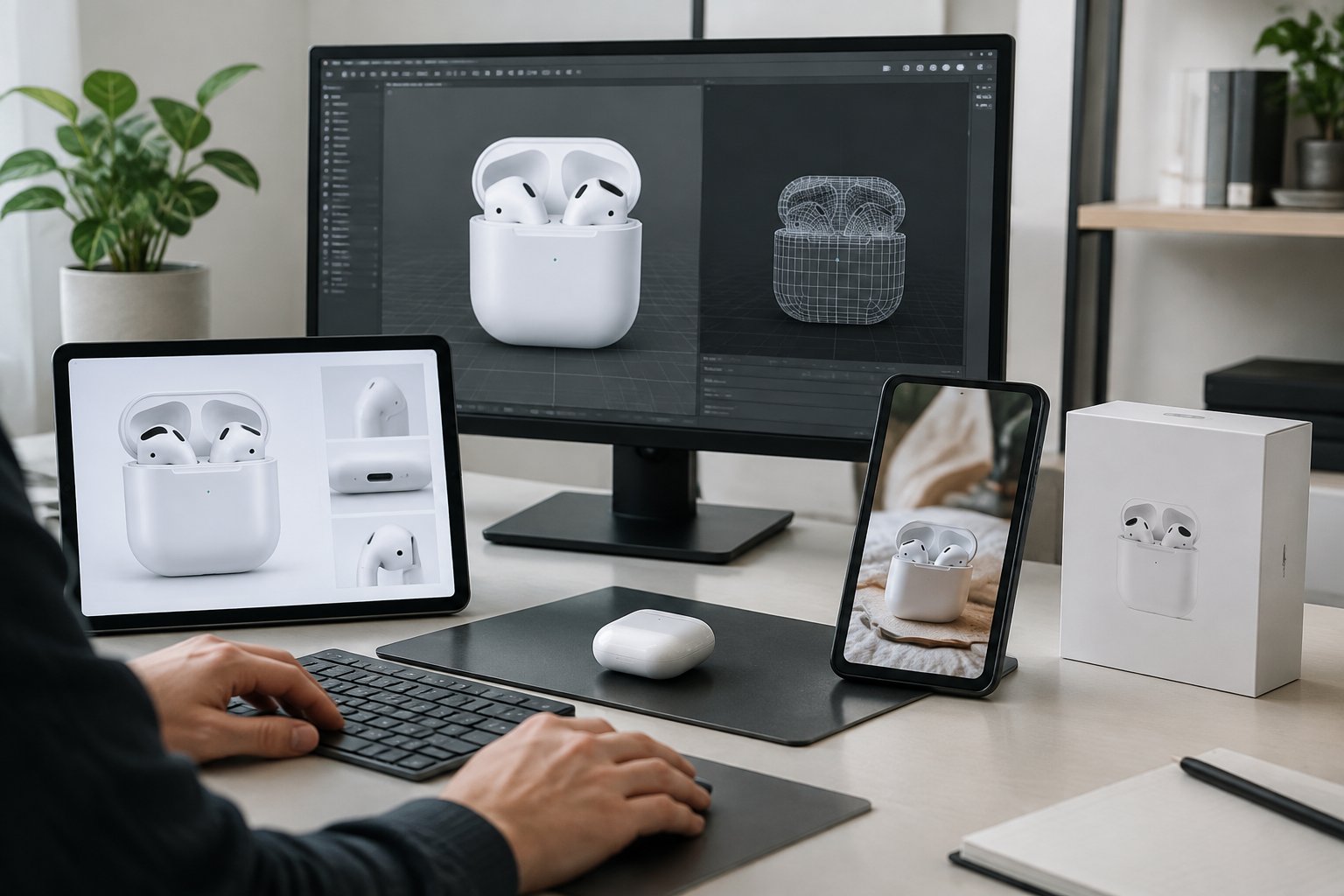
The break-even point for 3D production arrives once the upfront modeling cost is covered by the shoots and reshoots it replaces, which usually happens faster for catalogs with many variants or reuse needs. Running this calculation before committing budget keeps the decision grounded in real numbers instead of general assumptions about 3D rendering services.
Compare Equivalent Deliverables Across Photography and 3D Production
Compare like for like: the same number of angles, variants, and formats on both sides of the ledger. Static CGI images often run in the $150 to $500 range per image, while a 360° product view can run $500 to $2,000 per product, and these figures should be checked against what an equivalent photography package costs for the same deliverables.
Separate Model Creation Costs from Rendering and Revision Costs
Model creation is the one-time investment; rendering and revisions are the recurring cost per output. Photorealistic rendering of a new color variant from an existing master scene typically costs far less than the initial master, often in the range of an extra $10 per color or 12 to 30 percent of the master cost per variant. Keeping these two cost categories separate shows where the real savings accumulate over time.
Work Through a Hypothetical Catalog Production Budget
Picture a catalog with 20 SKUs, each needing 5 images across 4 colorways. Photography would mean repeated studio sessions for each colorway; a 3D modeling services provider builds 20 master models once, then renders color variants digitally. The upfront model cost is higher per SKU than a single photo session, but the reshoot costs disappear entirely once the models exist.
Track Cost per Approved Asset Alongside Creative Performance
Divide total production spend by the number of approved, usable assets to see the real cost per asset over a quarter. Pairing this with measuring roi on the creative side shows whether the lower cost per asset is also producing creative that converts, not just creative that is cheaper to make.
What Workflow Keeps Production Costs Under Control?
A disciplined 3D modeling workflow keeps costs predictable by approving accuracy early and standardizing everything that follows. Most cost overruns in 3D production come from rework: a wrong dimension, an unapproved material, or a missing scene standard that forces a redo after assets are already built.
Start with Accurate Dimensions, Packaging Files, and Material References
Projects move faster and cheaper when they start with real technical drawings, physical samples, or precise material references rather than guesswork. Better source materials shorten modeling time and reduce the number of revision cycles needed before an asset is approved. This is one reason providers ask for CAD tools output like STEP or IGES files whenever they exist.
Adapt Engineering Files for Marketing Rather Than Treating Them as Finished Assets
Engineering files built in SolidWorks or Fusion 360 are built for manufacturing precision, not for camera-ready rendering. These files usually need cleanup, in tools like Blender or KeyShot, before they look right in a photorealistic scene, since heavy mechanical assemblies often carry detail that needs stripping for rendering performance. Treating the CAD file as a starting point rather than a finished creative asset avoids wasted rendering time on invisible detail.
Approve Geometry and Materials Before Producing Variations
Lock in the shape and the material look before generating color variants, angles, or scenes. Approving geometry and materials once, the way a validated product asset library does, means every later render skips a full accuracy review and only needs a lighter check on environment and mood.
Standardize Scene Templates, File Ownership, and Version Control
A consistent naming convention, saved lighting rigs, and clear file ownership keep a growing asset library usable instead of chaotic. Whether the modeling uses polygonal modeling or solid modeling techniques, the file structure around it should let any team member find the approved version without guessing which file is current.
When Does 3D Production Make Financial Sense?
3D production makes the most financial sense for brands with large catalogs, frequent variants, or products that need marketing assets before manufacturing finishes. For a single image used once, on one product with no planned variants, a photographer is usually still the simpler and cheaper answer.
Large Catalogs and Frequent Variants Offer More Reuse Opportunities
The more SKUs and colorways a brand manages, the more a shared 3D modeling in product design approach pays off, since each new variant becomes a re-render instead of a new photo session. Furniture, configurable goods, and wide product ranges see the fastest payback because the same model structure applies across dozens of similar items.
Prelaunch Creative Can Reduce Dependence on Finished Samples
3D visualization lets marketing teams build campaign imagery while manufacturing is still underway, shortening the path from product development to launch. Brands routinely commission renders for products still in physical prototypes stage, which shortens time-to-market considerably compared to waiting for finished samples to arrive from a factory.
Photography Still Matters for People, Tactile Detail, and Difficult Materials
Photography remains the stronger choice for lifestyle imagery involving people, for fabrics with complex texture, and for one-off shoots with no planned reuse. Brands producing amazon product photography for apparel or textiles often keep real photography in the mix even as they adopt 3D for hard-surface products.
Account for Product Accuracy and Channel Image Requirements
Every channel has its own image specifications, and a 3D render has to meet those exactly, down to background color and file dimensions, just like a photograph would. Checking marketplace and ad platform requirements before building scene templates avoids a round of rework after assets are already rendered.
Build a Reusable Asset Library Before Scaling Creative
A reusable 3D product model library is the foundation that makes every other saving in this guide possible. Without an approved, organized set of digital assets, each new campaign starts from zero and loses the compounding benefit that product visualization is built to deliver.
Building that library takes planning upfront: accurate geometry, approved materials, and a file structure the whole team can use without starting over each time. Brands that invest in this step early typically see production costs level off even as their catalog and campaign volume keep growing. If building or organizing that kind of asset library feels like a bigger lift than the internal team has time for, Signalytics can walk through what a 3D-first creative workflow would look like for a specific catalog at signalytics.ai or by phone at (626) 509-0006.
Frequently Asked Questions
How much does it cost to have a 3D product model made?
Costs vary by complexity: simple products like bottles or boxes often run $100 to $300 per image, medium-complexity items like electronics or furniture run $300 to $1,000, and complex products like jewelry or machinery can run $1,000 to $1,500 or more. The master model is the larger upfront cost, while rendering variants from it afterward costs much less.
How many creative assets can one 3D product model produce?
A single accurate model can produce unlimited renders across angles, colors, and scenes, since each new output is a re-render rather than a rebuild. The same model can support listing images, lifestyle scenes, product videos, and interactive formats like configurators or AR previews.
Can an existing CAD file reduce modeling costs?
Yes, providing CAD files, technical drawings, or physical samples upfront reduces modeling time and the number of revision cycles needed. Common formats like STEP, IGES, OBJ, and FBX, along with native Solidworks or Rhino files, all help a modeling team skip rebuilding geometry from scratch.
Is 3D rendering cheaper than product photography for a small catalog?
For a small catalog with few variants and no plans for reuse, traditional photography is often still the simpler and cheaper option. The cost advantage of 3D rendering grows with catalog size, variant count, and how many channels need the same product imagery.
Can AI reduce 3D modeling costs without compromising product accuracy?
AI tools can speed up environment creation, animation, and some repetitive modeling tasks, but the core product geometry and the initial render still need human review to stay accurate. Any AI-generated detail on the product itself, like a texture or logo, has to match the real product exactly or it undermines the credibility of the entire asset.