
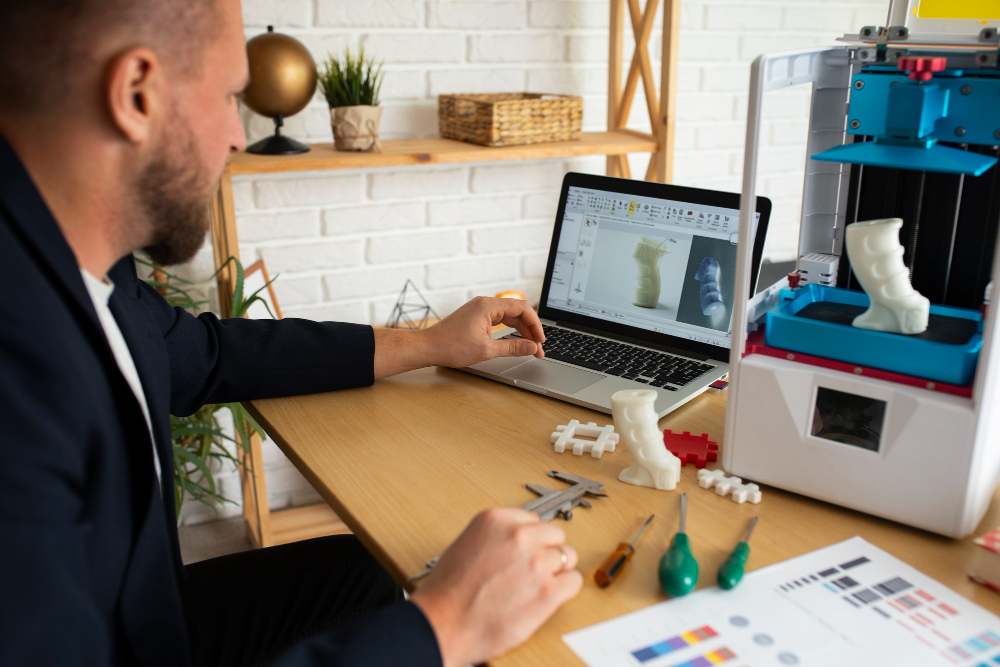
Yes, AI can create 3D product models, and in 2026 the results are good enough to use for concept work, marketing renders, and early design review. Tools like Meshy AI and Tripo AI can turn a single product photo or a short text prompt into a textured 3D mesh in seconds to a few minutes, which is a real shift from a few years ago when outputs looked melted and unusable. The bigger question for brand owners is not whether AI can generate a model, but which models are reliable enough to publish, print, or hand to a manufacturer.
That gap between “looks right” and “is right” matters more for ecommerce sellers than for hobbyists. A model that looks convincing on a screen can still have the wrong scale, a warped logo, or a hollow base that fails in a slicer. This article walks through what AI handles well today, which input method fits which job, the tools worth trying, and how to turn a rough AI draft into something you can actually publish or produce.
Which Product Models Can AI Make Well Today?
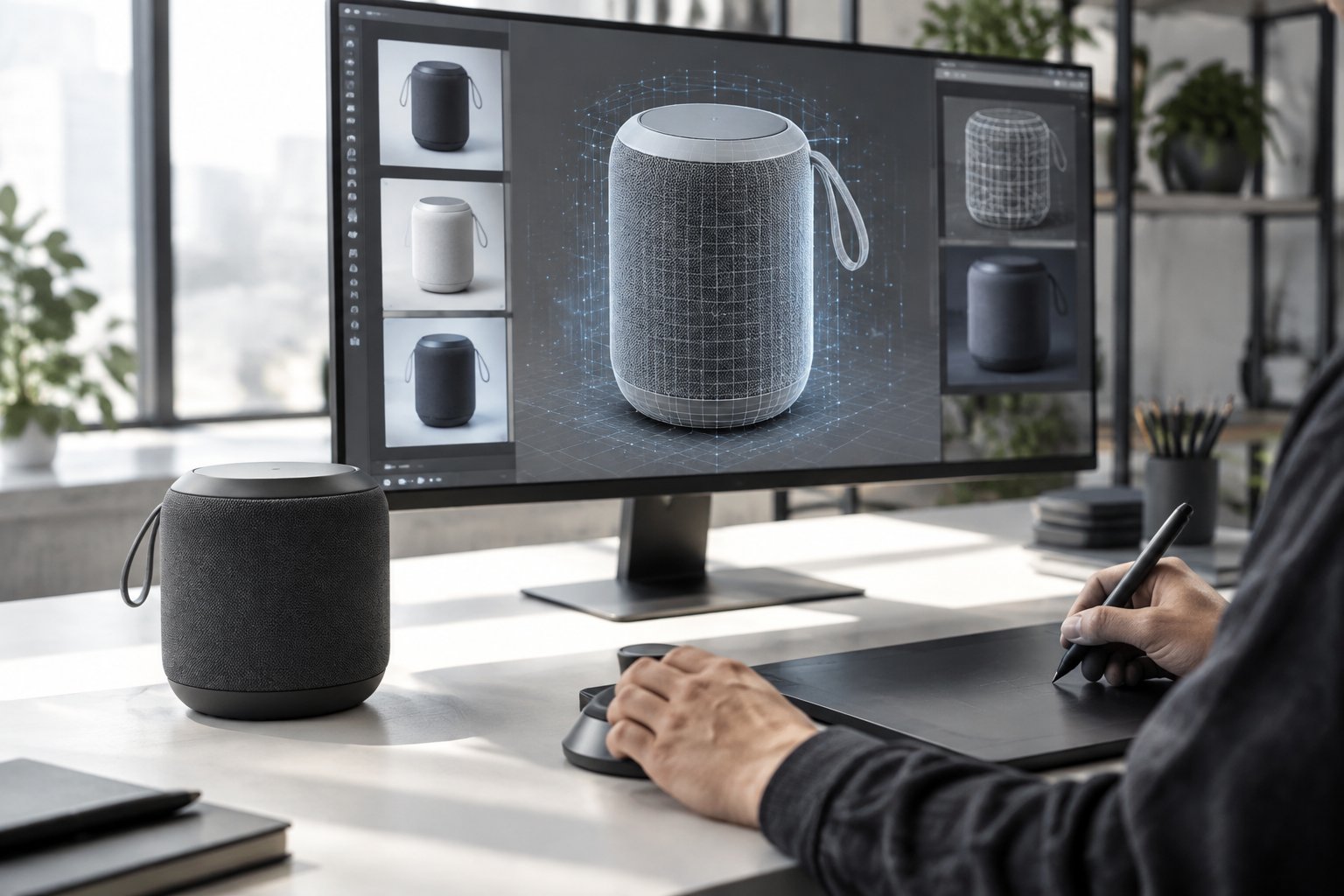
AI handles simple, symmetrical, hard-surface products with clean geometry far better than complex or highly reflective ones. A bottle, a speaker, a box, or a basic piece of furniture tends to generate a usable base mesh with reasonable material properties on the first or second try. More intricate products, like anything with small moving parts, thin wires, or layered fabric, usually need manual correction from a 3D artist before the model is production-ready.
Concept Models, Simple Shapes, and First-Pass Product Assets
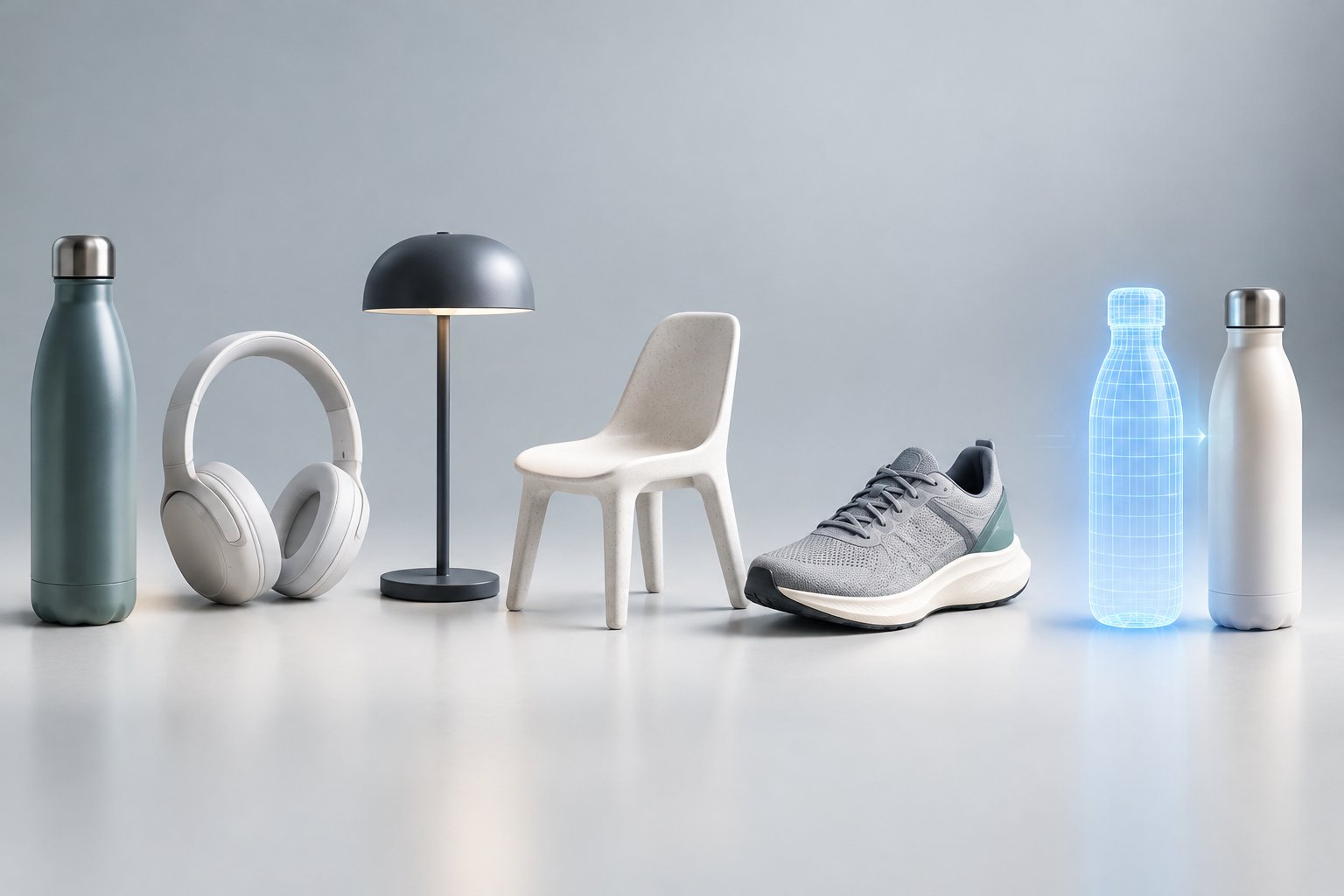
AI generation works best as a first pass. Simple shapes like mugs, candles, boxes, and basic electronics generate clean 3D assets with believable proportions in a single attempt. For product design teams exploring color or shape variations before committing to a physical sample, this is one of the strongest current use cases.
Staying consistent is hard when every post is made from scratch—this walkthrough on batching a full month of social content in a single day with AI shows a system that takes the grind out of it.
Where Labels, Reflective Surfaces, and Hidden Details Still Go Wrong
Labels and text on packaging often come out blurry or warped because the AI is predicting pixels, not reading words. Glass, chrome, and glossy plastic confuse most generators since reflections behave differently than the solid colors the model expects. Anything hidden from the original photo, like the underside of a shoe or the inside of a container, gets guessed and often guessed wrong.
Format is a sales lever in its own right—our breakdown of short-form vs. long-form video and which drives more sales shows which one to use at each stage of the funnel.
Why a Convincing Preview Is Not Necessarily a Production-Ready Model
A model that spins nicely in a viewer can still fail under real use. Checking a model only from the angle it was generated from hides problems in the base mesh, UV seams, or material properties that show up the moment someone views it from another side. Rotating the model slowly and checking the back, underside, and close-up details before approving it for a listing or print queue catches most of these issues early, a practice worth building into any workflow that touches 3d product design for ads.
Should You Start With Text, Product Photos, or a Scan?
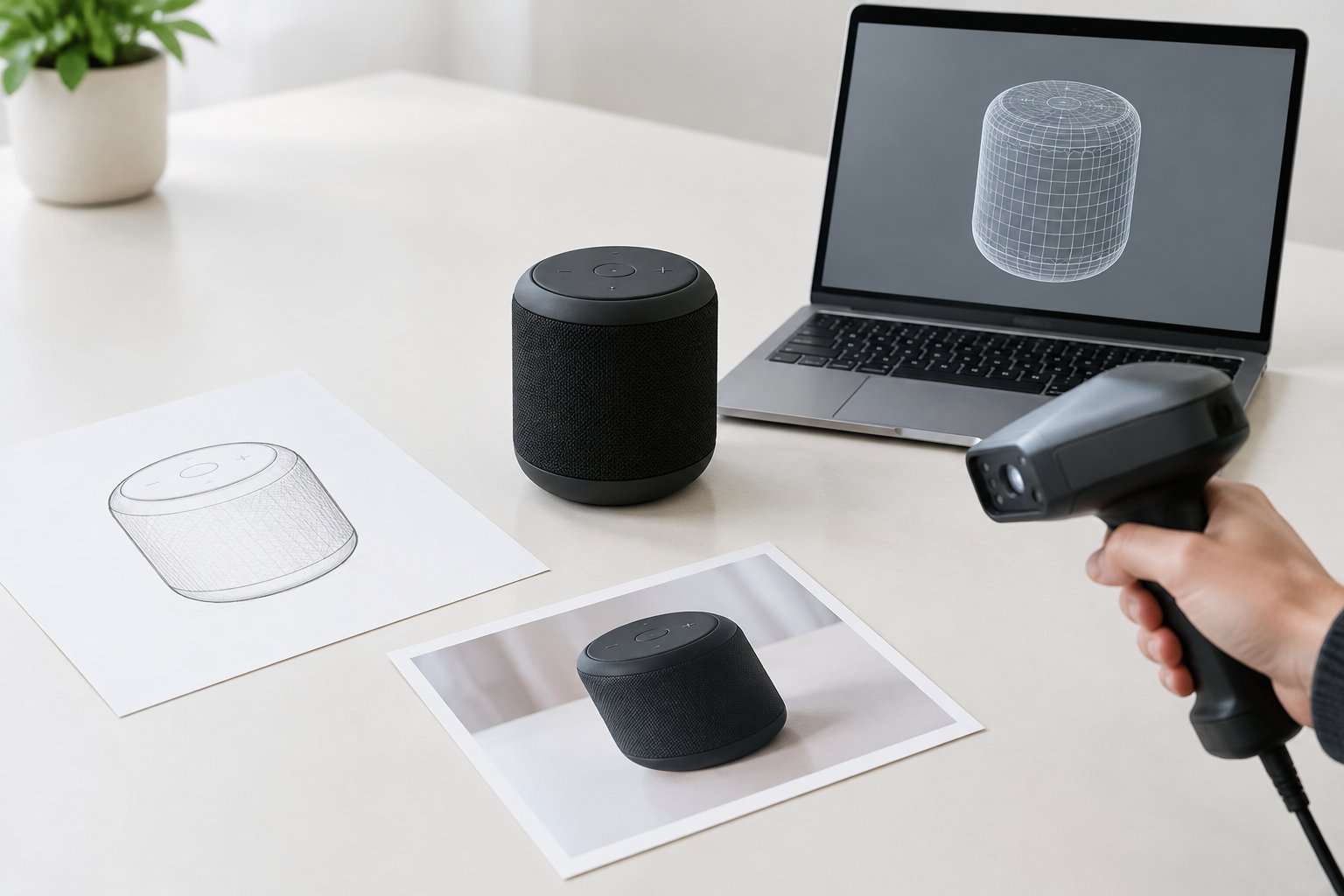
The right starting input depends on whether a product already exists or is still an idea. Text-to-3D suits new concepts that have no physical reference yet, image-to-3D and multi-view inputs suit matching an existing product accurately, and scanning tools suit capturing a real object’s exact shape and surface.
Text-to-3D for Exploring New Product Concepts
Text-to-3D generation works from a written description, such as “compact wireless speaker, rounded body, fabric grille, matte black finish.” This approach fits early brainstorming, before a physical sample exists, because it lets a team compare several shape directions in minutes instead of waiting on a model-maker. The trade-off is less predictable proportions, since the AI is guessing rather than matching a known product.
Image-to-3D and Multi-View Inputs for Matching Existing Products
Image-to-3D starts from one photo and estimates the hidden sides and depth using generative AI trained on large datasets. Multi-view-to-3D uses two to four consistent reference images (front, side, back, and sometimes top) so the model has real evidence instead of a guess, which matters for multi-view consistency and accuracy. For an existing product that already has a listing or photoshoot, multi-view input produces a far more reliable match than a single photo.
How Mesh Generation Differs From NeRF and Gaussian Splatting
Mesh generation and 3D reconstruction solve different problems. Tools built on 3D diffusion models or feed-forward generation predict a new mesh directly, useful for products that need to be edited, textured, or 3D printed. Neural radiance fields (NeRF) and 3D Gaussian Splatting (3DGS), the techniques behind capture tools like Luma AI and Polycam, instead rebuild a real scene from many photos and are strongest for photoreal walkthroughs rather than editable geometry; converting a Gaussian splat into a clean mesh (mesh extraction) still takes extra work.
Which AI 3D Tools Fit an Ecommerce Workflow?
Several AI 3D model generators now produce export-ready assets for ecommerce, and the right pick depends on whether speed, texture quality, or technical control matters most. Meshy and Tripo cover most everyday product-catalog needs, Hyper3D Rodin and 3D AI Studio offer alternative generation paths, and Tencent Hunyuan3D plus open local models suit teams with in-house technical resources.
Meshy AI and Tripo AI for Accessible Asset Generation
Meshy (with its newer Meshy 7 generation) and Tripo AI are browser-based tools built for creators without a 3D background. Tripo’s own documentation describes generation times from about 10 seconds to 2 minutes depending on complexity, producing both geometry and textured materials that can be previewed before export. Both tools support text-to-3D and image-to-3D, making them a practical starting point for a product catalog.
Hyper3D Rodin and 3D AI Studio for Alternative Generation Workflows
Hyper3D Rodin is positioned for higher-fidelity hero assets where visual polish matters more than speed. 3D AI Studio takes a different approach by running several underlying generation engines behind one interface, letting a user pick the best engine for a given object instead of committing to a single model’s strengths and weaknesses.
Tencent Hunyuan3D and Local Models for Teams With Technical Resources
Tencent Hunyuan3D is known for strong texture and PBR material quality and is available as an open-weight model, though its community license carries regional restrictions worth checking before commercial use. Teams with their own GPU setup can also run lighter open models like TripoSR or Stable Fast 3D (Stability AI) locally, often through a ComfyUI pipeline, for fast draft meshes without per-generation fees. RapidDirect AI Creator is another option worth comparing for teams moving toward manufacturing-focused output.
How to Compare Export Options, Commercial Rights, and Real Costs
| Tool | Typical Input | Export Formats | Best Fit |
|---|---|---|---|
| Meshy AI | Text, image | GLB, FBX, OBJ, USD | Ecommerce catalogs, general use |
| Tripo AI | Text, image, multi-view | GLB, USD, FBX, OBJ, STL, 3MF | Speed, printable assets |
| Hyper3D Rodin | Image, multi-view | GLB, FBX, OBJ | Hero/flagship product assets |
| Tencent Hunyuan3D | Text, image | Varies by deployment | Teams with technical setup, PBR detail |
Before committing to one tool, confirm commercial usage rights for the specific plan, since free tiers often restrict commercial use or watermark exports.
How Do You Turn an AI Draft Into a Usable Product Model?
An AI draft becomes a usable product model only after a manual check of shape, geometry, and format, usually done in Blender. Skipping this step is the most common reason an AI-generated model looks fine in a preview but fails on a live product page or in a slicer.
Prepare References and Check Shape, Scale, and Product Details
Start by comparing the generated model against real measurements and reference photos from more than one angle. Check that proportions match the physical product, not just the silhouette from the original photo used to generate it.
Refine Geometry, UV Mapping, and Materials in Blender
Blender is the standard free tool for cleaning up AI output. Fixing quad topology, redoing UV mapping or UV unwrapping where seams look distorted, and adjusting AI texturing or PBR textures so materials respond correctly to light are the most common repairs before a model ships.
Choose GLB, USDZ, or Other Formats for the Delivery Channel
GLB (or glTF) is the standard format for web viewers, Android AR, and most ecommerce platforms, since it packages geometry, materials, and textures in one file. USDZ is required for Apple’s Quick Look AR experience and may need a separate conversion step. FBX, OBJ, and USD/OpenUSD suit editing and production pipelines rather than direct web publishing.
Apply Separate Checks for 3D Printing and Manufacturing
3D printing needs its own checklist: watertight meshes with no non-manifold geometry, sufficient wall thickness, and correct scale, verified in a slicer like Cura before sending a file as STL, 3MF, or PLY. Manufacturing paths like CNC machining or injection molding go a step further, typically requiring the AI model to be rebuilt or referenced in CAD software for rapid prototyping rather than printed directly from the AI export.
How Can One Verified Model Support More Ecommerce Creative?
A single verified 3D model can generate far more creative assets than one photoshoot, because the geometry can be reused across listing images, scenes, and interactive views once it is approved. This is one of the strongest reasons brands with larger catalogs are testing AI 3D generation now.
Reuse Approved Geometry Across Listing Images, Scenes, and Product Videos
Once a model passes review, it can support product rendering in multiple colorways, backgrounds, and lighting setups without a new physical shoot. The same base mesh can feed A+ content modules, social creative, and video frames, which is a meaningful time saving for catalogs with dozens of SKUs; this is also where interactive 360-degree product views tend to get built once a verified model exists.
Prepare Interactive Views and AR Assets for Supported Channels
A verified GLB or USDZ file can power an interactive viewer on a product page or an augmented reality “view in your room” feature on supported marketplaces. Confirm real-world scale, placement accuracy, and material behavior on the target device before publishing, since AR exposes scale errors that a static render hides.
Measure Creative Efficiency and Test Shopper Response
Treat a new 3D asset like any other creative variable and run A/B testing against existing photography. Tracking add-to-cart rate, conversion rate optimization metrics, and return rate on the specific SKU gives a clearer read than assuming interactive 3D will perform the same way across every product category.
Use AI for Speed and Human Review for Product Accuracy
AI 3D tools have earned a real place in product creative work, cutting what used to take days of manual 3D modeling down to minutes for a first draft. The catch is that speed does not replace judgment: labels, reflective materials, hidden surfaces, and manufacturing tolerances still need a trained eye before a model reaches a shopper or a production line. Brands getting the most value from AI 3D are pairing fast generation with a short, consistent review step, not skipping review to save time.
For Amazon sellers weighing where 3D assets fit into a broader creative plan, this is exactly the kind of decision our team at Signalytics works through daily alongside advertising, listing optimization, and creative production. Reach out through signalytics.ai or call (626) 509-0006 to talk through what a 3D asset could add to a specific catalog.
The way you create product visuals affects both cost and flexibility—our comparison of 3D product rendering vs. product photography and when to use each breaks down which one fits different products and budgets.
Frequently Asked Questions
Can I create a 3D product model from one photo?
Yes, image-to-3D tools can generate a model from a single clean product photo, though hidden sides and details get estimated rather than measured. Multi-view input (front, side, back, and sometimes top) produces a more accurate result for products where the back or underside matters.
Is Meshy AI free for commercial product work?
Meshy AI offers free access with limits, but commercial usage rights typically depend on the specific plan tier. Check the current terms for the plan in use before publishing a generated model on a product listing or marketplace.
Which AI 3D model generator is best for ecommerce products?
Meshy AI and Tripo AI are strong general picks for ecommerce catalogs because they support text and image input with export formats like GLB that work directly with web viewers. Teams with larger or more complex catalogs sometimes compare multiple engines through a platform like 3D AI Studio before standardizing on one workflow.
Can AI-generated product models be used for 3D printing?
Yes, but only after a printability check in slicer software such as Cura. AI output often needs fixes for non-manifold geometry, wall thickness, and scale before it will print reliably, so export as STL or 3MF and inspect the layer preview first.
Can ChatGPT create a usable 3D product model?
ChatGPT can help write prompts, plan a workflow, or explain 3D terms, but it does not generate a 3D mesh file itself. Producing an actual model still requires a dedicated AI 3D model generator built for that task.
Will AI replace Blender or professional 3D artists?
AI speeds up the first draft of a model but does not remove the need for Blender or skilled 3D artists on anything requiring precise topology, custom texturing, or manufacturing accuracy. Most production workflows in 2026 use AI for the rough starting mesh and human review for the final, publishable version.