

Brand owners want video ads that look professional without the cost and wait time of a full production shoot. AI video generation makes that possible by turning a product photo, a short script, or a written prompt into a finished clip in minutes instead of weeks. For brands that need volume and speed, AI video generation can turn a single product image into a working ad ready for social or marketplace placement, often at a fraction of traditional production cost.
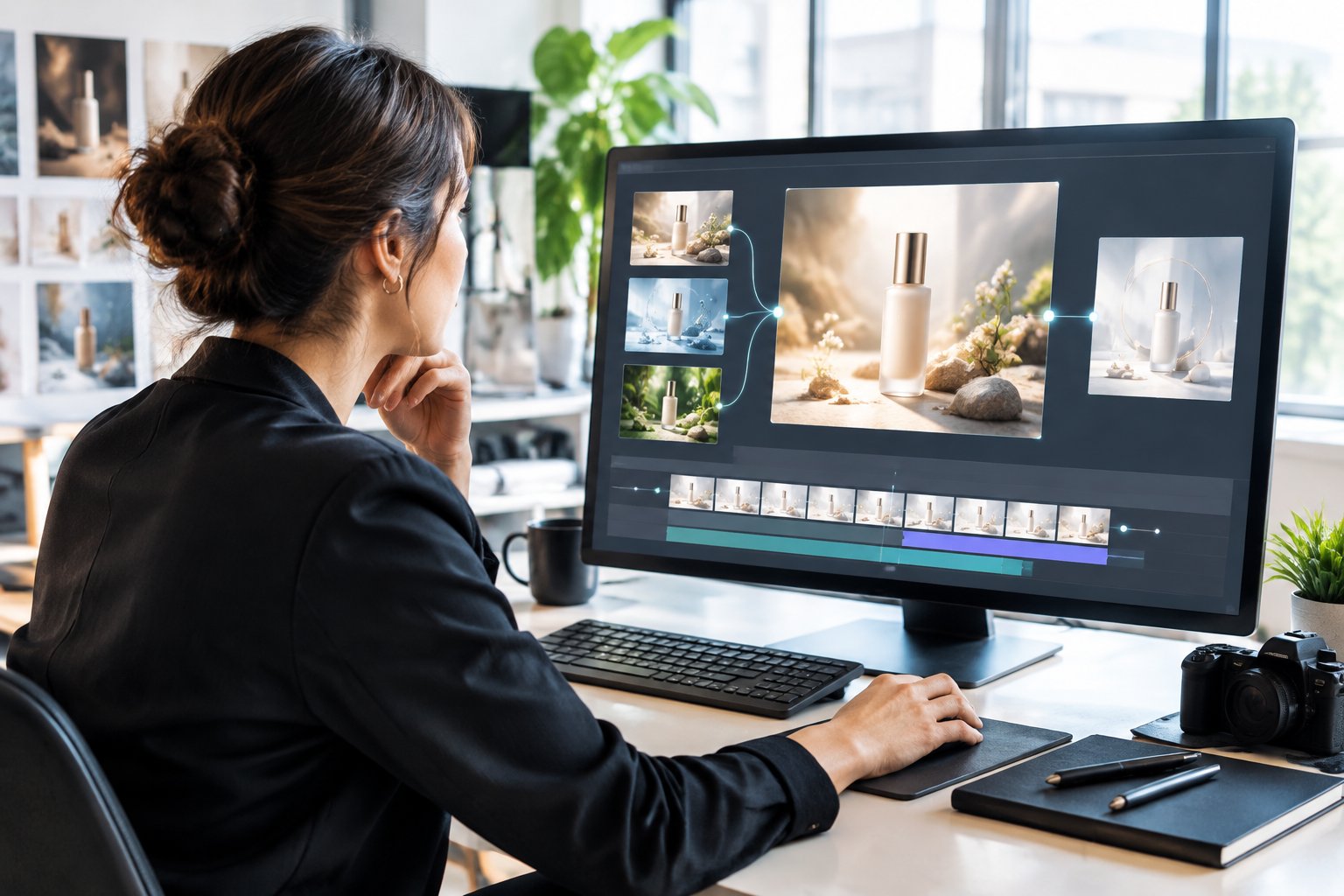
The technology still has limits. An AI-generated clip can nail the lighting and motion but get a logo slightly wrong, or a synthetic voiceover can sound convincing while describing a feature the product doesn’t have. Knowing what AI video does well, where it needs a human check, and how it fits into a real ad workflow is what separates brands that use it profitably from brands that end up re-shooting anyway.
What Happens Between Your Input and the Generated Clip?
AI video generation takes a written prompt, a photo, or existing footage and produces new video frames using a model trained on large amounts of video data, instead of filming anything. Tools like Runway, Veo 3.1, Sora, and Kling 3.0 each handle this differently, but all of them replace a camera and a shoot with a prediction process guided by what you type or upload.
What Is an AI-Generated Video Ad?
An AI-generated video ad is a commercial video clip built with generative AI tools instead of a camera crew. It can be fully generated from a text prompt, built from a single product image, or assembled as a hybrid where AI handles scenes and voiceover while a human edits the final cut. The term covers a wide range of output quality, from quick social test clips to polished ads that run on connected TV.
How Does Text-to-Video Turn Words Into Moving Images?
Text-to-video models convert a written prompt into original footage through a multi-step process. The system encodes the prompt’s meaning, then starts from random visual noise and removes that noise step by step until a scene matches the prompt. Transformer layers keep objects and motion consistent from one frame to the next, which is the hardest part of the process and the most common place a clip falls apart, such as a logo that shifts shape mid-shot.
How Do Image-to-Video and Reference Images Guide the Result?
Image-to-video generation starts with a real photo instead of a blank prompt, which locks in the product’s shape, color, and packaging before any motion is added. This makes the output far more predictable than pure text-to-video because the model only has to generate plausible movement around a fixed reference, not invent the whole scene. For product ads, this is why most workable AI ad generators ask for a product photo as the starting point rather than a text description alone.
What Does an AI Video Generator Do vs. an Editing Tool?
An AI video generator creates new frames that never existed before, while an editing tool arranges, trims, and polishes footage that already exists. Platforms such as Runway, Veo 3, and Sora fall into the first group, generating scenes from prompts or images. A finished ad usually still needs an editing pass afterward to add captions, voiceover, and brand elements, which is why generation and editing are treated as separate steps in most workflows. Our guide on amazon video advertising covers how finished video assets get placed once they’re ready to run.
How Does a Product Image Become a Finished Brand Ad?
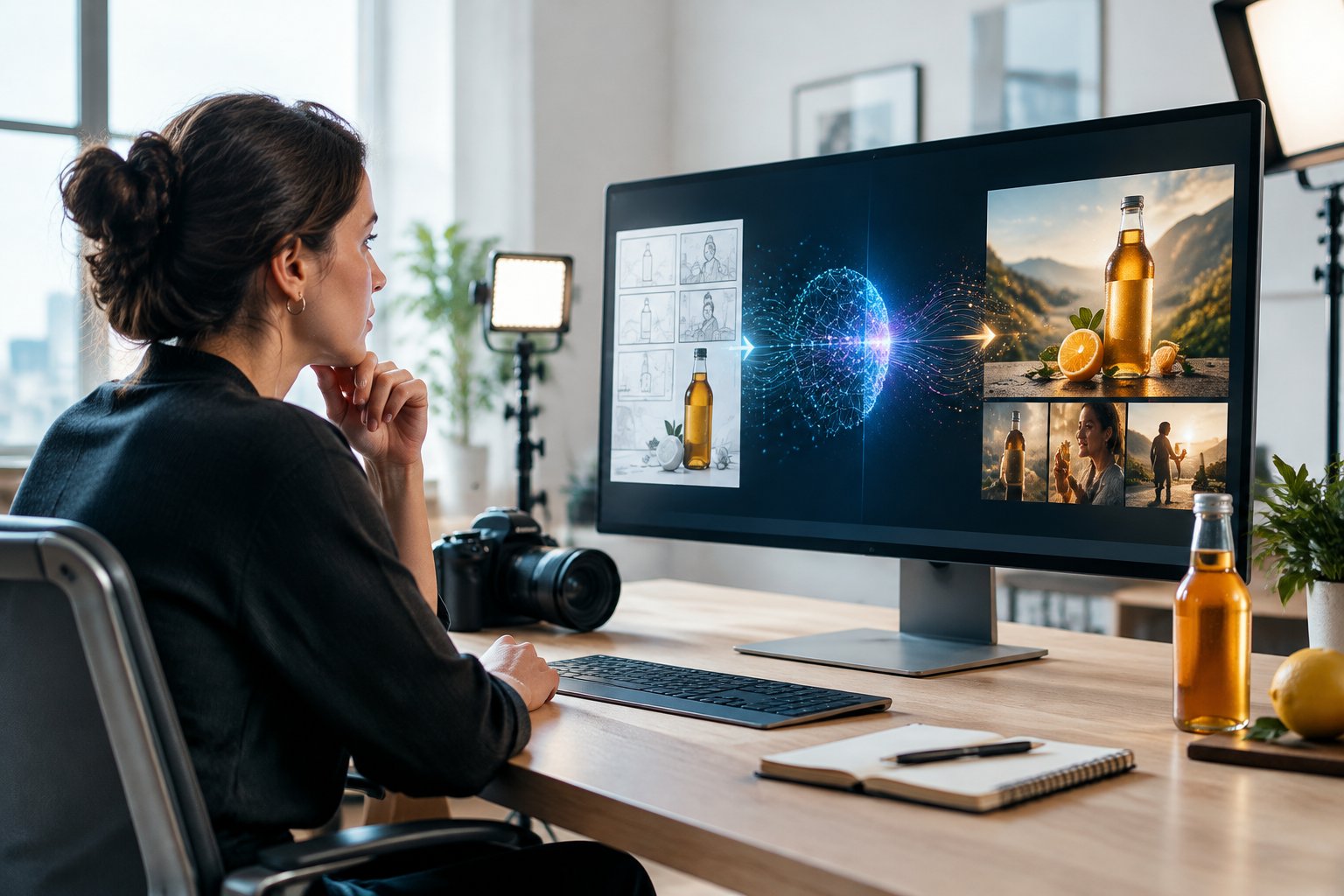
Turning one product photo into a finished ad runs through four stages: defining the brief, scripting and prompting, generating and selecting takes, then finishing with voiceover and branding. Skipping the first stage is the most common reason brands end up with polished clips that don’t actually sell anything.
Start With the Audience, Offer, and Approved Product Assets
Every usable ad starts with a clear brief, not an open prompt. That means knowing who the ad targets, what the offer is, and which brand assets (logo files, color codes, approved product photography) the AI tool is allowed to reference. Skipping this step is how brands end up with a beautifully generated video that doesn’t match the product page or the campaign’s actual message.
Write a Simple Script and Prompt Each Shot
A short script broken into individual shots gives the AI video production process something concrete to work from. Instead of one long prompt describing an entire 15-second ad, write out each shot separately: the opening hook, the product reveal, the benefit callout, and the closing frame. Specific details about lighting, camera angle, and setting produce more usable results than a vague, general description.
Generate Variations and Select the Usable Takes
Most AI video generators produce several versions from the same prompt, and not every version will be usable. Generate multiple takes per shot, then review each one for consistency: does the product keep its shape, does the label stay legible, does the motion look natural. This selection step is where a trained eye matters most, since a clip can look impressive for three seconds and glitch on the fourth.
Add Voiceover, Captions, Branding, and Placement-Specific Edits
Once the visual takes are selected, synthetic voiceover, captions, and brand elements get layered on in an editing pass. This is also where the single video production gets resized and reformatted for different placements, since a 16:9 cut for YouTube and a 9:16 cut for TikTok need different framing. Our overview of ai-powered campaign automation covers how these finished assets fit into a broader testing and delivery system.
Which Brand Ad Tasks Are a Good Fit for AI?
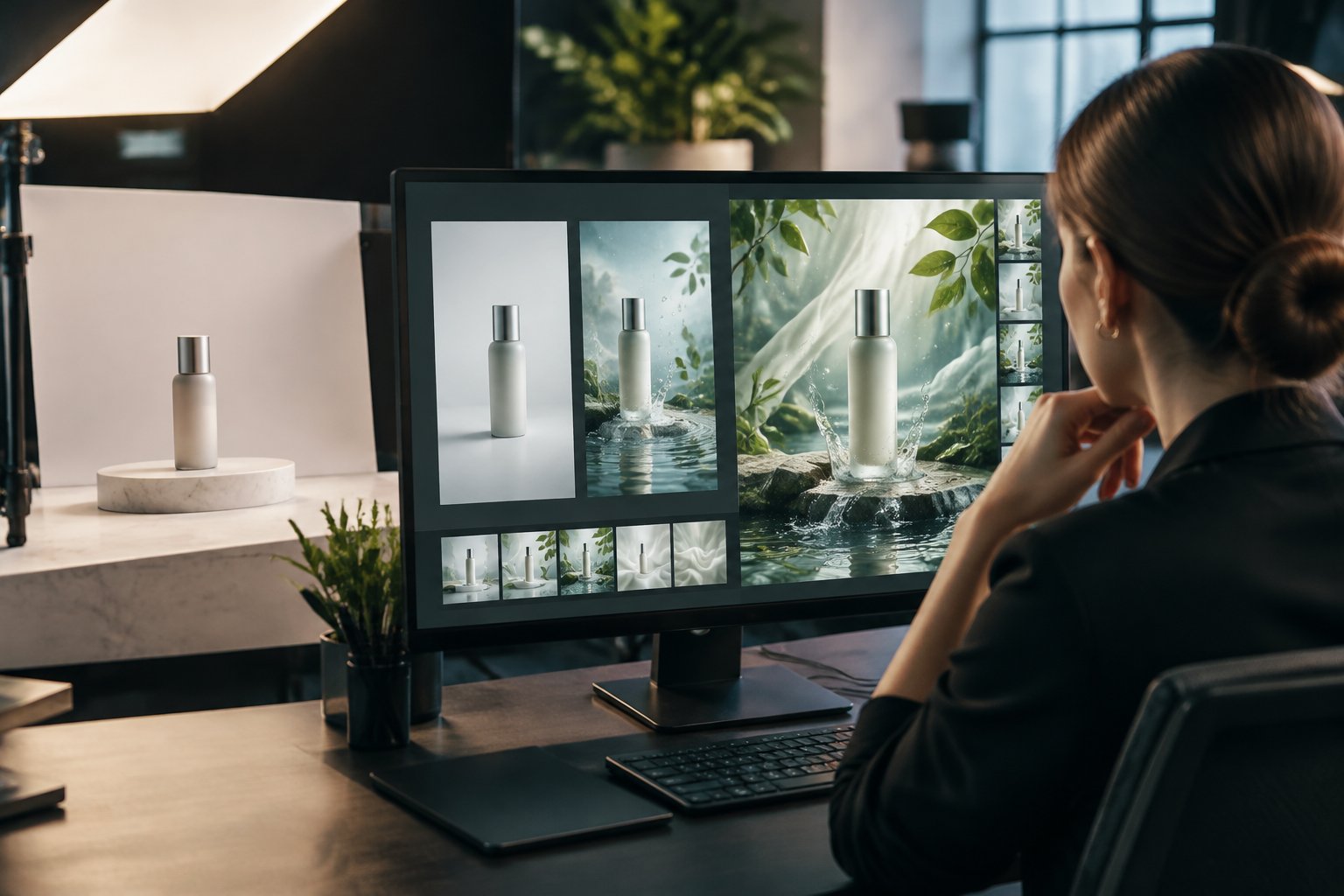
AI video production earns its keep on product ads, seasonal creative variations, and high-volume testing, where the brief is tight and the visual language is controlled. It performs less reliably for content built around genuine human presence, where authenticity carries more weight than polish.
Product Scenes, Backgrounds, and Visual Benefit Explanations
Product ads are one of the strongest use cases for AI video because the creative brief is usually narrow: show the product, explain the benefit, prompt a purchase. AI can generate environments, lighting, and movement around a real product image without booking a studio, which works well for showing a product from multiple angles or in different lifestyle settings. Animated feature explanations that would otherwise require CGI also fit well here, since the model can visualize a benefit (like a liquid absorbing into skin) without a physical demonstration setup.
Seasonal Campaigns and Variations on Existing Creative
Seasonal campaigns benefit from AI’s speed advantage, since a holiday-themed variant or a regional adaptation of an existing ad can be generated in a fraction of the time a reshoot would take. A single approved concept can become multiple versions for different seasons, markets, or promotions without a new production cycle each time. Our page on ai ad creative testing and how to scale creative testing covers how brands structure this kind of variant production.
Great creative isn’t just about the idea—the execution matters just as much, and our guide to ad design principles that lift CTR shows the contrast, hierarchy, and layout choices that get more people to click.
UGC-Style Ads and AI Avatars: Presentation Is Not Proof
UGC-style ads and AI avatars remain one of the areas where AI needs the most caution. A synthetic presenter can deliver a script smoothly, but viewers often respond to UGC because it signals a real person’s honest experience, and a generated avatar doesn’t carry that same weight. AI can enhance UGC-style content through selective visual effects or background work, but the core testimonial or demonstration still benefits from a real person on camera.
When Real Footage and Hybrid Production Make More Sense
Traditional video production still makes sense for hero brand campaigns, content involving live animals or people with unpredictable behavior that a generated scene can’t faithfully replace, and any ad where emotional nuance carries the message. A hybrid approach, where AI handles backgrounds and variations while a human crew shoots the core talent or product footage, often lands closer to the brand’s actual standard. Comparing 3d product design for ads against AI-generated scenes is worth doing before committing a catalog-wide ad campaign to either approach.
What Still Needs Human Review Before an Ad Goes Live?
Every AI-generated video ad needs a human check on four things before it runs: product accuracy, factual claims, rights and consent, and brand and platform rules. Skipping this step is where AI-generated content turns from a cost-saver into a liability, since paid ad spend amplifies a mistake far faster than an organic post would.
Check Product Shape, Packaging, Logos, and Motion
A generated clip can look convincing while getting small details wrong, like a label that shifts between frames or a bottle cap that changes shape. Review every shot against the real product, checking that packaging, logos, and colors stay accurate and that nothing in the motion misrepresents how the product actually works. Our amazon product images guide covers the same accuracy standards that apply to any product visual, generated or photographed.
Verify Claims and Keep Demonstrations Truthful
Generative tools produce plausible detail, which is exactly the risk in advertising. A generated scene can imply a result the product can’t actually deliver, or show a feature that doesn’t exist, so every on-screen claim and demonstration needs to be checked against what the brand can actually support.
Confirm Asset Rights, Voice Consent, and Disclosure Requirements
Commercial use of an AI tool requires confirming rights for every input: the footage, music, stock elements, and any reference images uploaded. Any real or recognizable voice needs written consent, and synthetic voiceover or AI avatars that resemble a real person raise additional questions some states now address directly. Our breakdown of how to disclose AI-generated ads and why it matters covers the disclosure rules that apply once the ad is ready to run.
Review Brand Consistency and Current Platform Ad Rules
Passing a platform’s ad review is not the same as being right for the brand, since review checks policy compliance rather than tone or accuracy. A final pass should confirm color, logo use, and messaging match brand standards, and that the ad follows the current rules for whichever platform it’s running on.
How Do You Know Whether AI Video Ads Are Worth Using?
AI video ads are worth using when they let a brand test more creative variations without raising cost per approved ad, and the results show up in standard performance marketing metrics like CTR, CPA, and ROAS. Treating AI as a volume tool, not a shortcut around quality control, is what keeps the math working.
Measure Production Effort per Approved Ad, Not per Generated Clip
Generating a clip takes minutes, but measuring the real cost means counting how much time and review it takes to get one approved, launch-ready ad out of that process. A tool that produces ten rough clips for one usable ad isn’t actually faster than a tighter workflow that produces three clips with two approved.
Test Hooks and Visual Angles Without Changing Everything at Once
AI makes it practical to generate a dozen different opening hooks instead of two, but testing works best when only one variable changes at a time, like the hook or the visual setting. Changing the hook, the voiceover, and the background all at once makes it hard to know which change drove a performance shift.
Read CTR, CPA, and ROAS Alongside Listing Conversion
A strong CTR means little if it doesn’t carry through to CPA and ROAS, so AI-generated ad performance should be read as a full funnel, not a single metric. If a video ad drives clicks but the product listing or landing page can’t convert that traffic, the ad isn’t the problem.
Refresh Creative Based on Performance, Not Volume Alone
Creative fatigue sets in when the same ad runs too long regardless of how it was made, so refresh schedules should follow performance decline, not a fixed calendar. Our page on maximizing ROAS by thinking outside the data covers how creative refresh ties into broader performance marketing decisions.
Use AI to Expand Creative Testing Without Losing Product Truth
AI video production gives brands a faster, lower-cost way to produce more ad variations, but the brands that benefit most treat it as a production method, not a replacement for product accuracy or brand judgment. The winning formula pairs AI-generated scenes and voiceover with a human-reviewed brief, accurate claims, and a final check against the real product before anything goes live. Keep the brand assets, the offer, and the claims consistent across every variant, and let AI do the heavy lifting on backgrounds, variations, and iteration speed.
If building or reviewing that kind of AI video workflow feels like more than your team has bandwidth for, Signalytics works with Amazon and ecommerce brands on creative production alongside advertising strategy. A quick conversation can clarify which ad tasks are worth generating with AI and which still call for a traditional shoot. Visit signalytics.ai or call (626) 509-0006 to book a creative consult.
Learn more about Outsourced Production
Frequently Asked Questions
Can I turn a product photo into a video ad with AI?
Yes. Image-to-video tools use a product photo as the starting frame and generate motion around it, which keeps the product’s shape, color, and packaging accurate while adding camera movement, backgrounds, and scene changes.
Can an AI tool create a video ad from an Amazon product URL?
Some AI video generators can pull a product image and description from a URL as a starting point, but the output still needs a human check against the actual listing content and claims. Treat a URL-based generation as a draft, not a finished ad ready to launch.
Are free AI video generators suitable for commercial ads?
Free tiers of AI video generators often limit resolution, watermark output, or restrict commercial usage rights, so check the license terms before using any free-tier clip in a paid campaign. Confirming commercial use rights for the tool and every input asset is a required step before an ad runs, regardless of the plan used.
Do AI-generated ads actually perform better than filmed ads?
Performance depends on execution, not just which production method made the ad. Research on AI-generated personalized video ads has shown higher click-through rates compared to generic video and image ads in controlled tests, but traditional footage still wins for content where human presence and emotional nuance drive the message.
Do AI-generated video ads need to be labeled?
Disclosure requirements vary by platform and location, and several US states now address AI-generated synthetic performers in advertising directly. Check the specific rules for each platform and market before launch, since requirements are changing frequently as regulators catch up with the technology.